An app for Orthodox Christians
Uni assessment
iOS App
UX Design
Daily Readings
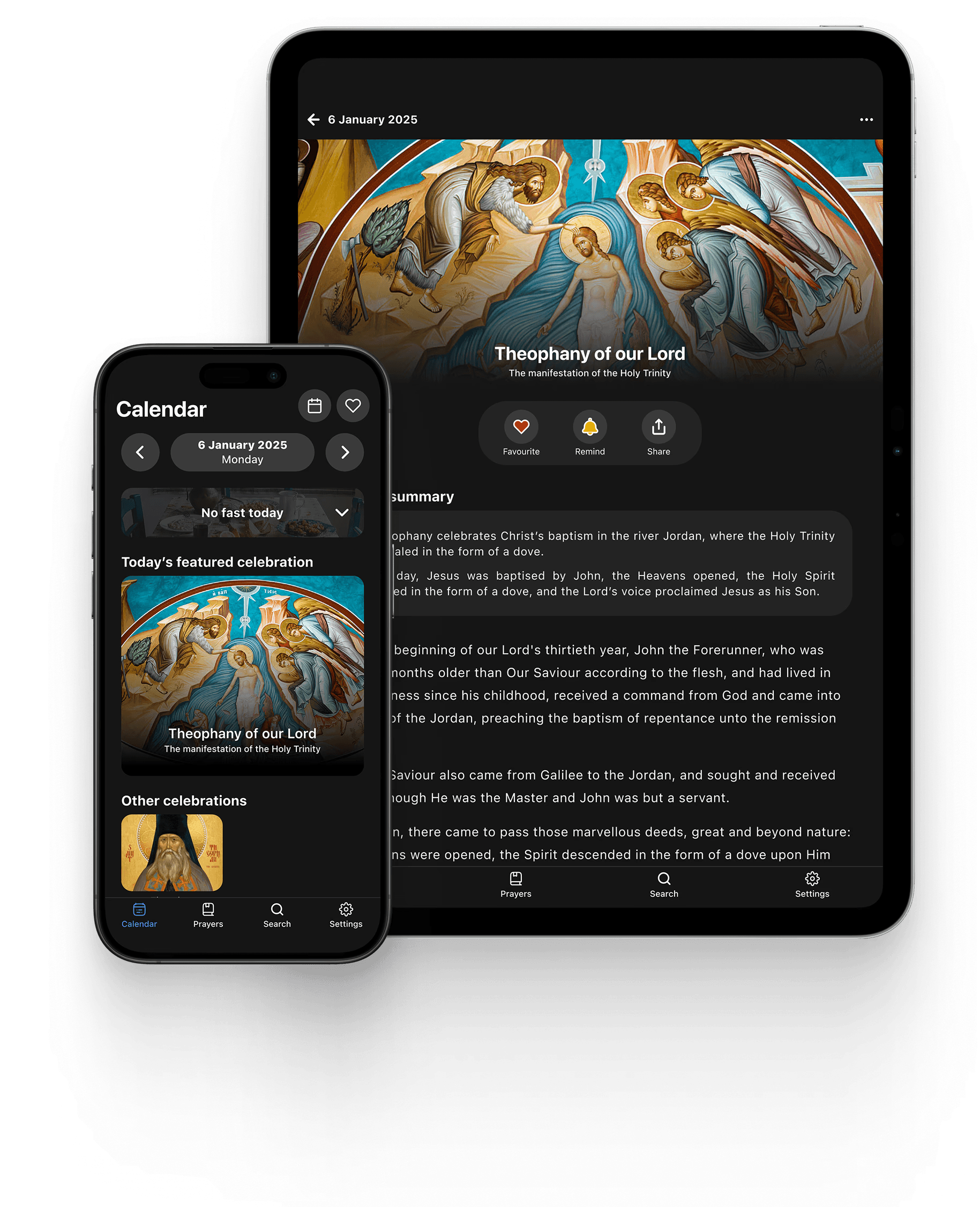
Daily Readings is an iOS app that helps Orthodox Christians navigate their faith through features such as a liturgical calendar, daily scripture readings, and prayers. For a university assessment, I redesigned the app end-to-end to improve clarity, navigation, and accessibility.
Responsibilities
User research
Personas
Prototyping
Information architecture
Usability testing
Journey mapping
Timeframe
8 weeks (2025)
Platform
iPhone
iPad
Tools
Figma
Dovetail
Microsoft Teams
The brief
This project was completed as part of a university assignment, with the following brief:
"Conceptualise a multi-platform design solution addressing an identified evidence-based problem."
The problem space
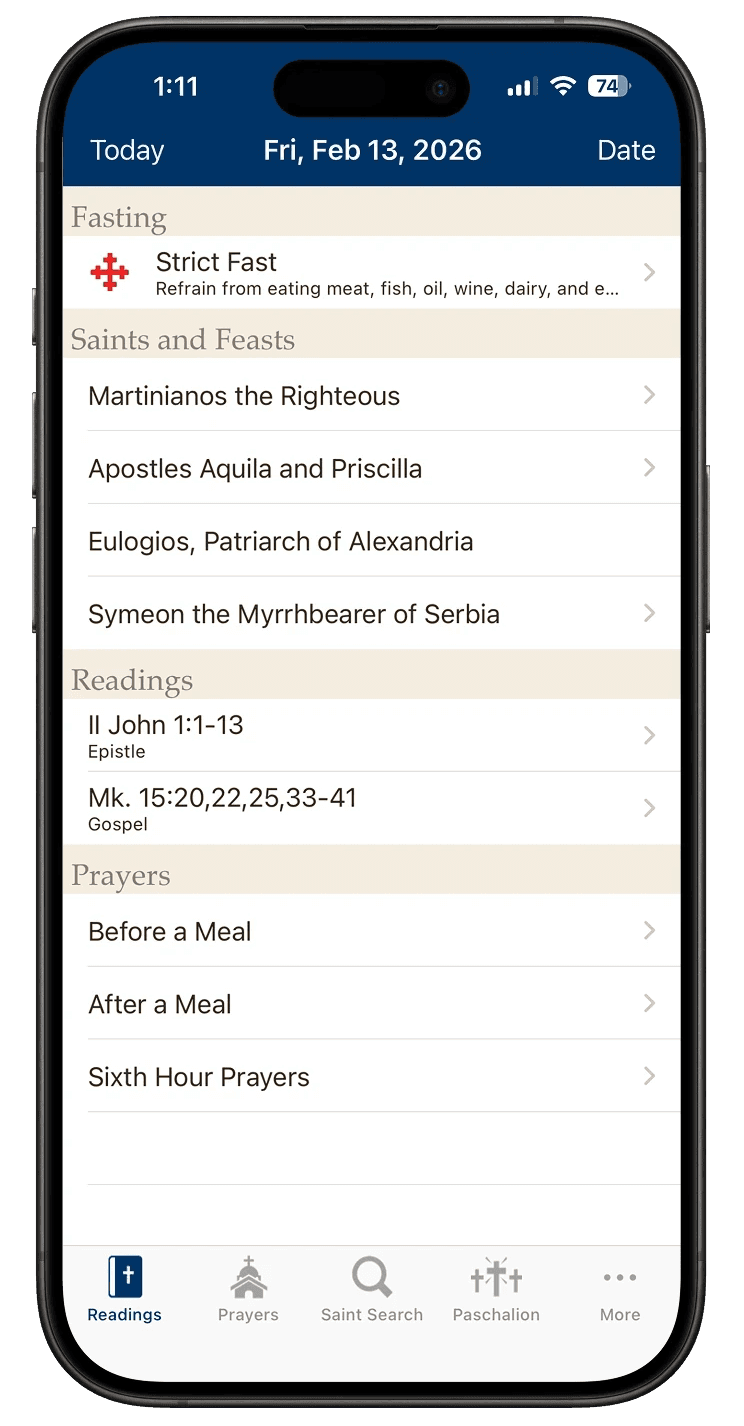
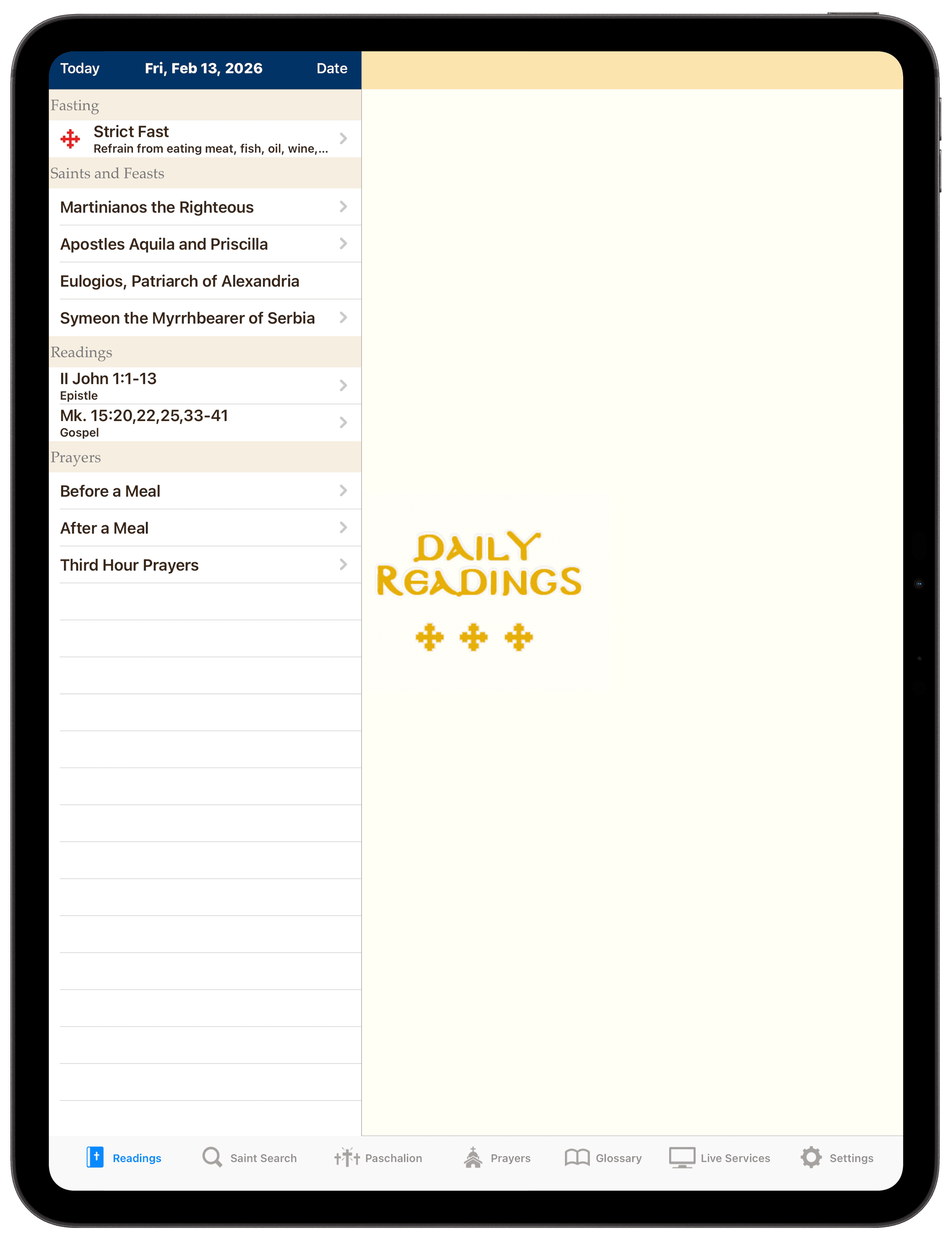
Liturgical calendar
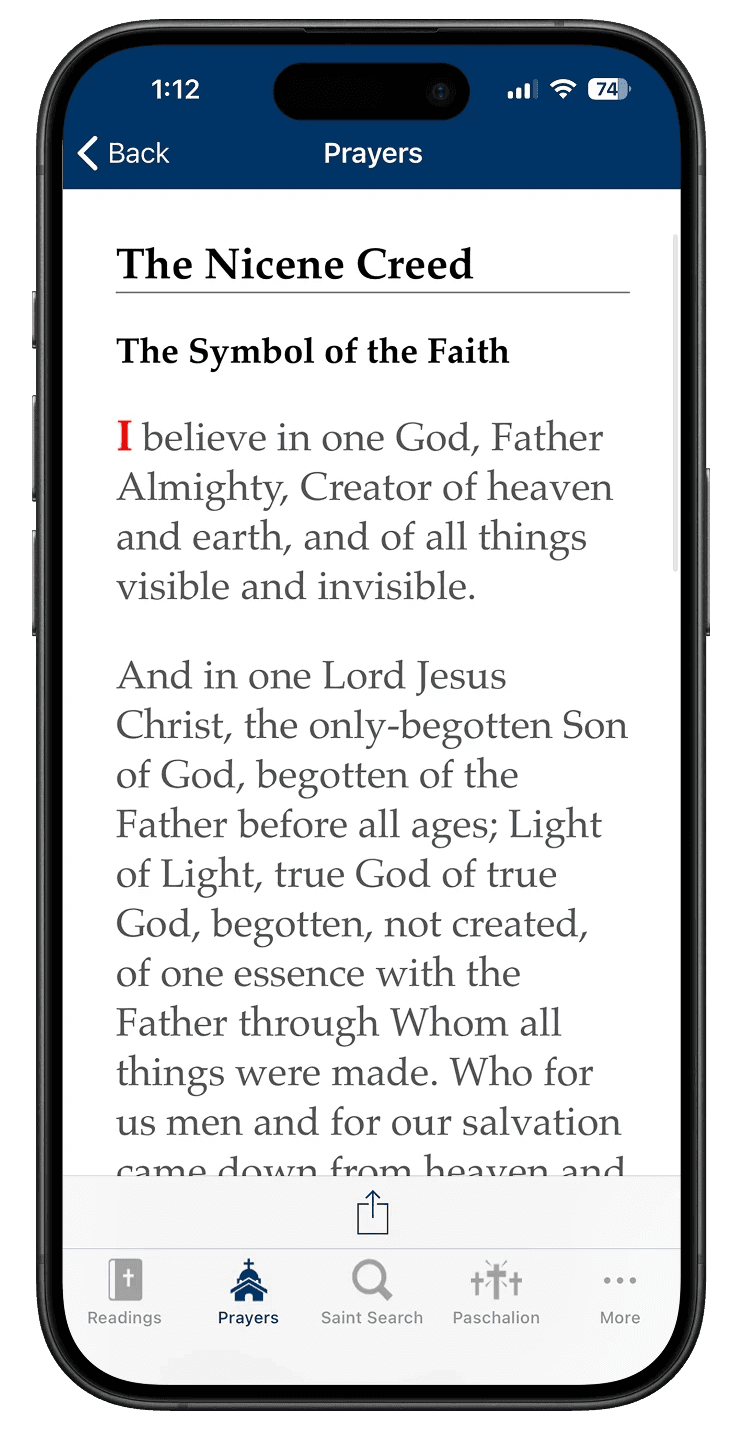
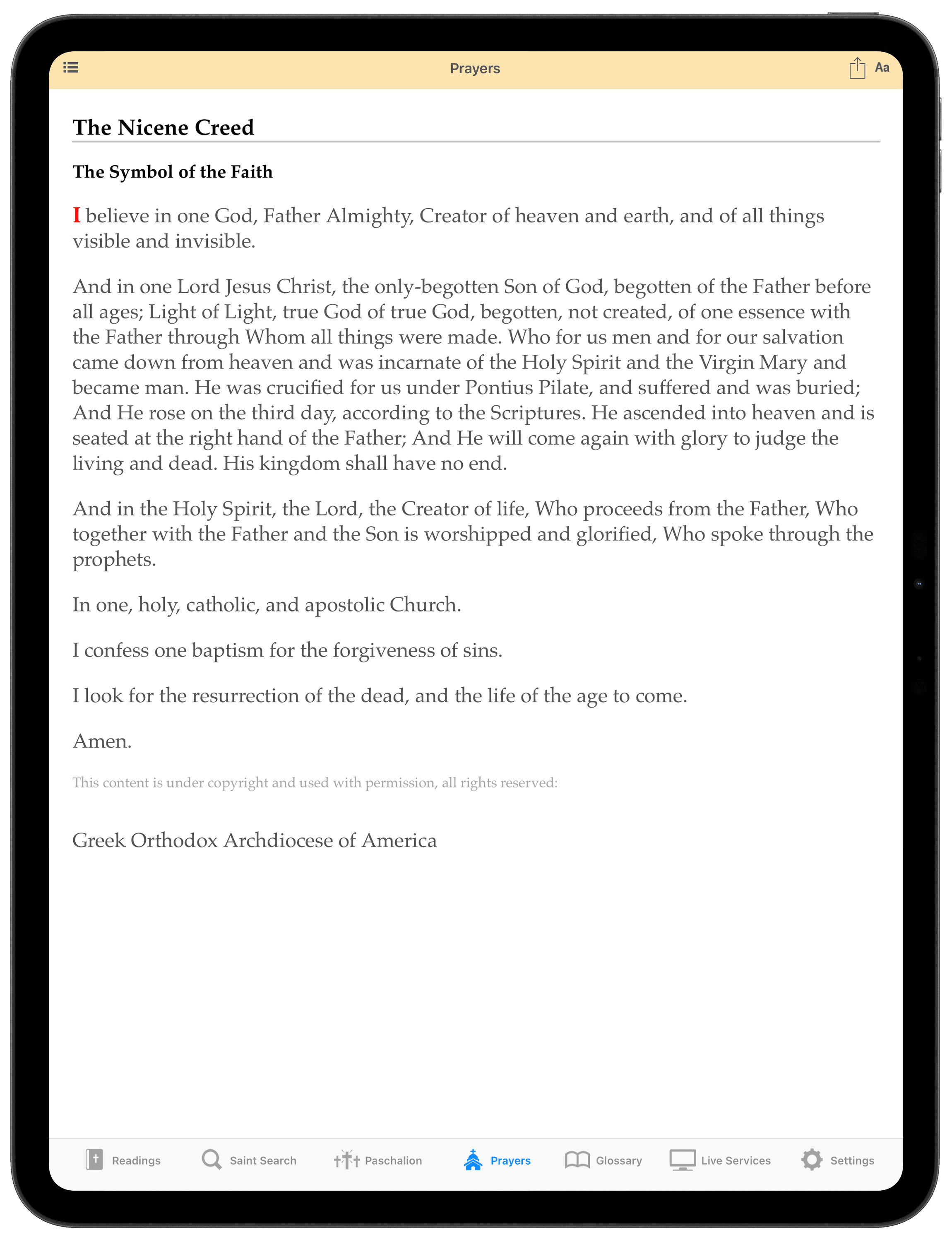
Prayers
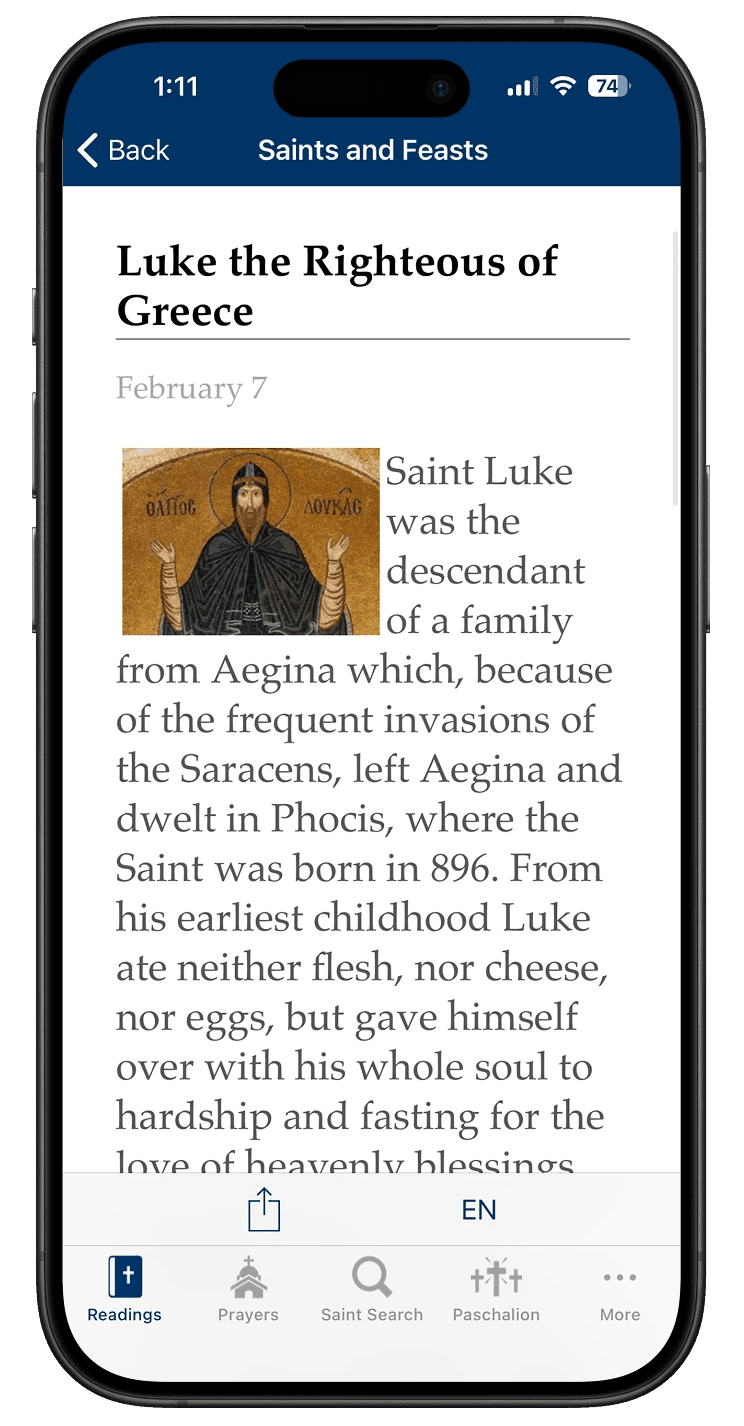
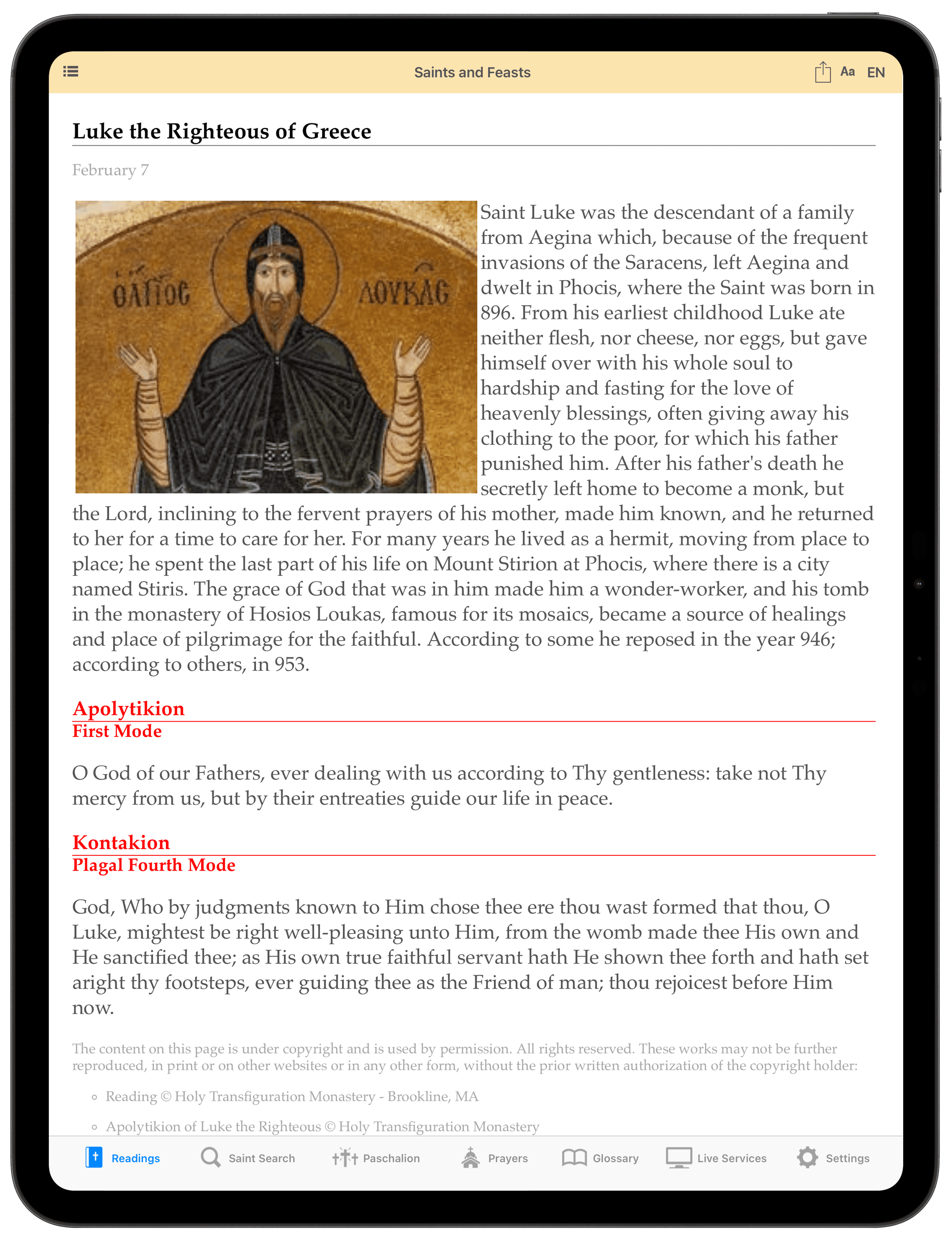
Saints and feasts
Having used the app myself, I took this opportunity to explore its user experience across devices and identify ways of improving accessibility, usability, and engagement.
Defining the problem
To get started, I wanted to understand how Daily Readings performs as a resource for Orthodox Christians, so I conducted 4 forms of research:

Heuristic Evaluation
Assessed the app against Nielsen Norman’s 10 usability heuristics to uncover key usability issues and opportunities.

Competitor Analysis
Reviewed two competitor apps to see how Daily Readings compares and to identify patterns and gaps in the wider landscape.

Survey
Ran an online survey with 72 Orthodox Christians to understand their beliefs, needs, and priorities for faith‑related apps.

Usability Testing Sessions
Conducted 3 usability sessions with real users to pinpoint where the user experience succeeds/breaks down.
Key findings
My research yielded some interesting results - here’s what stood out.
Some other interesting points to note were:
Competition is strong
Both competitors offered stronger navigation, visual design, and cross‑platform consistency, but each had gaps. Hallow isn’t Orthodox‑specific and Athon buries key information behind bloated features and extra scrolling/clicks - highlighting clear opportunities for improving Daily Readings.
It has the right features
The top 3 most requested features in the survey - an Orthodox calendar, nameday & feast day information, and fasting guidance - were already present in Daily Readings. This supports the idea that dissatisfaction is not driven by feature gaps, but by a poor user experience.
Low app satisfaction
Survey responses (n = 73) showed that overall satisfaction with digital Orthodox apps was generally low, indicating that the current apps fail to meet user expectations.
IN SHORT
Daily Readings has the features users want, but things like confusing navigation, unclear content, and poor accessibility undermine them. There was a clear opportunity to pair these features with a simpler, modern, and accessible experience compared to what competitors provide.
Synthesis
Rather than designing for a single 'average' user, I synthesised my findings into two contrasting personas and user journeys to better understand how the same UX issues affect trust, confidence, and efficiency for different people


IN SHORT
Although George and Eleni differ in motivation and devoutness, their journeys reveal that UX issues in Daily Readings consistently undermine engagement. Together they reinforce the need to prioritise navigation, clarity, and design/accessibility across Daily Readings on iPhone and iPad.
Defining the scope
Even though I had identified multiple pain points across Eleni and George’s user journeys, the scope of the university assessment meant I needed to be deliberate about what I focused on.
So I took into account the time constraints, assessment requirements, and overall project scope, to prioritise the app's core features that represent the most important touch points:



The first prototype
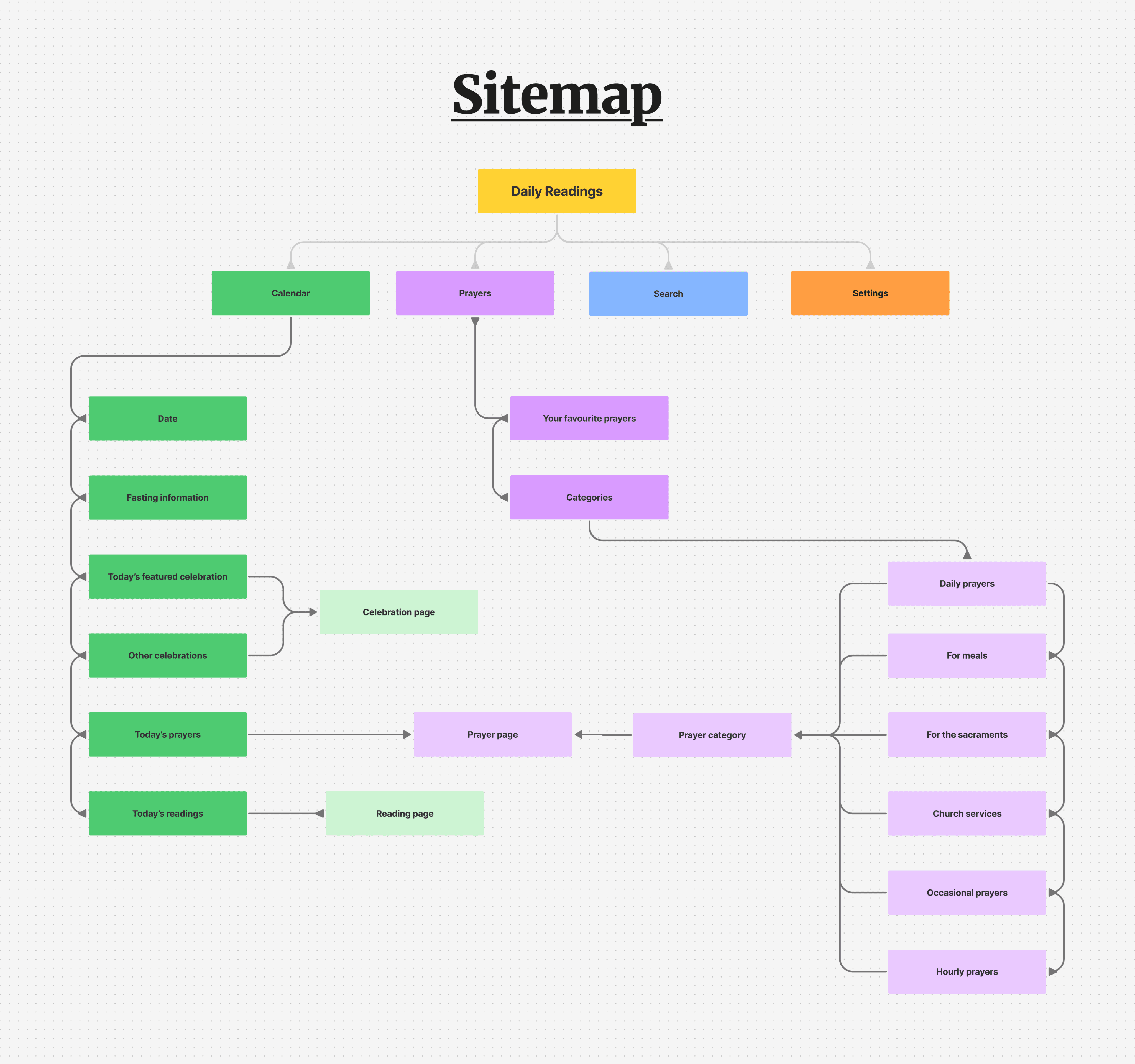
I first began by putting together a sitemap that clearly laid out the information architecture of the redesign - so that the redesign was grounded in clear IA rather than ad-hoc screen decisions.
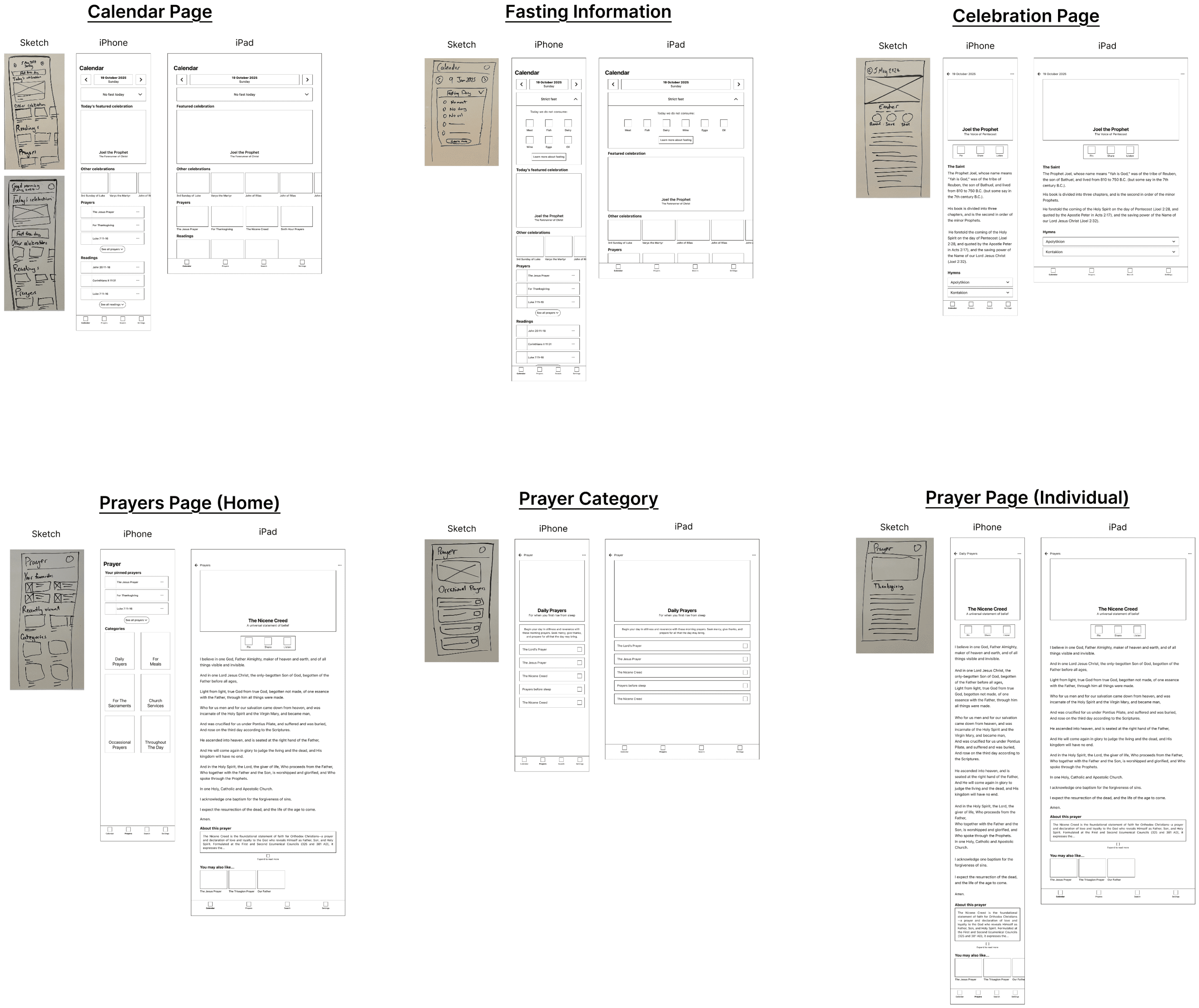
With the information architecture defined, it allowed me to begin exploring layout and content hierarchy through hand-drawn sketches, which I could then translate into low-fidelity wireframes in Figma. This way, I could easily experiment with the design, without committing to any specific layout, colour, and font choices. At this stage, I primarily focused on the Calendar and Prayers sections, as these represented the app’s core daily interactions and the areas where users experienced the most friction
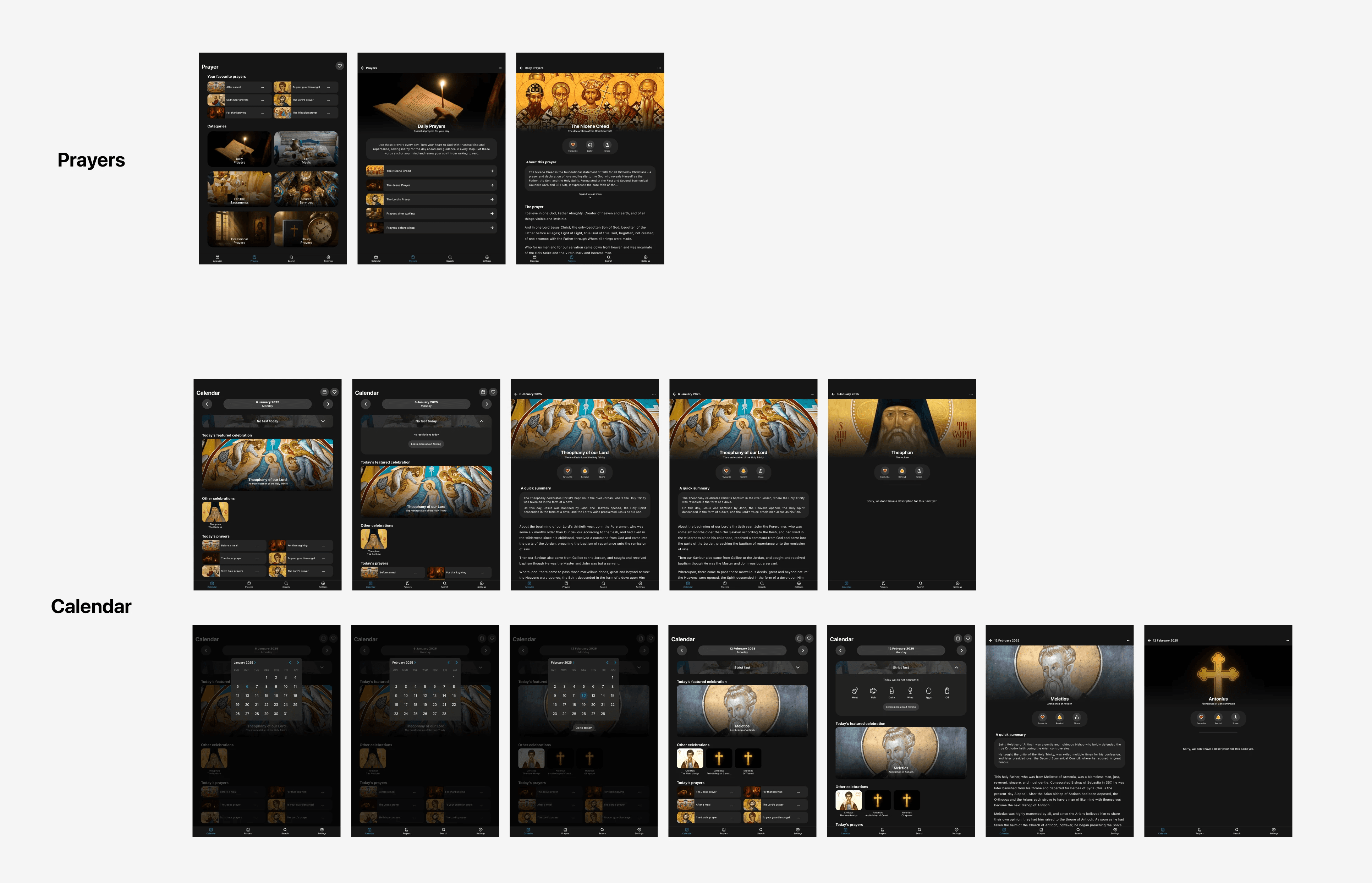
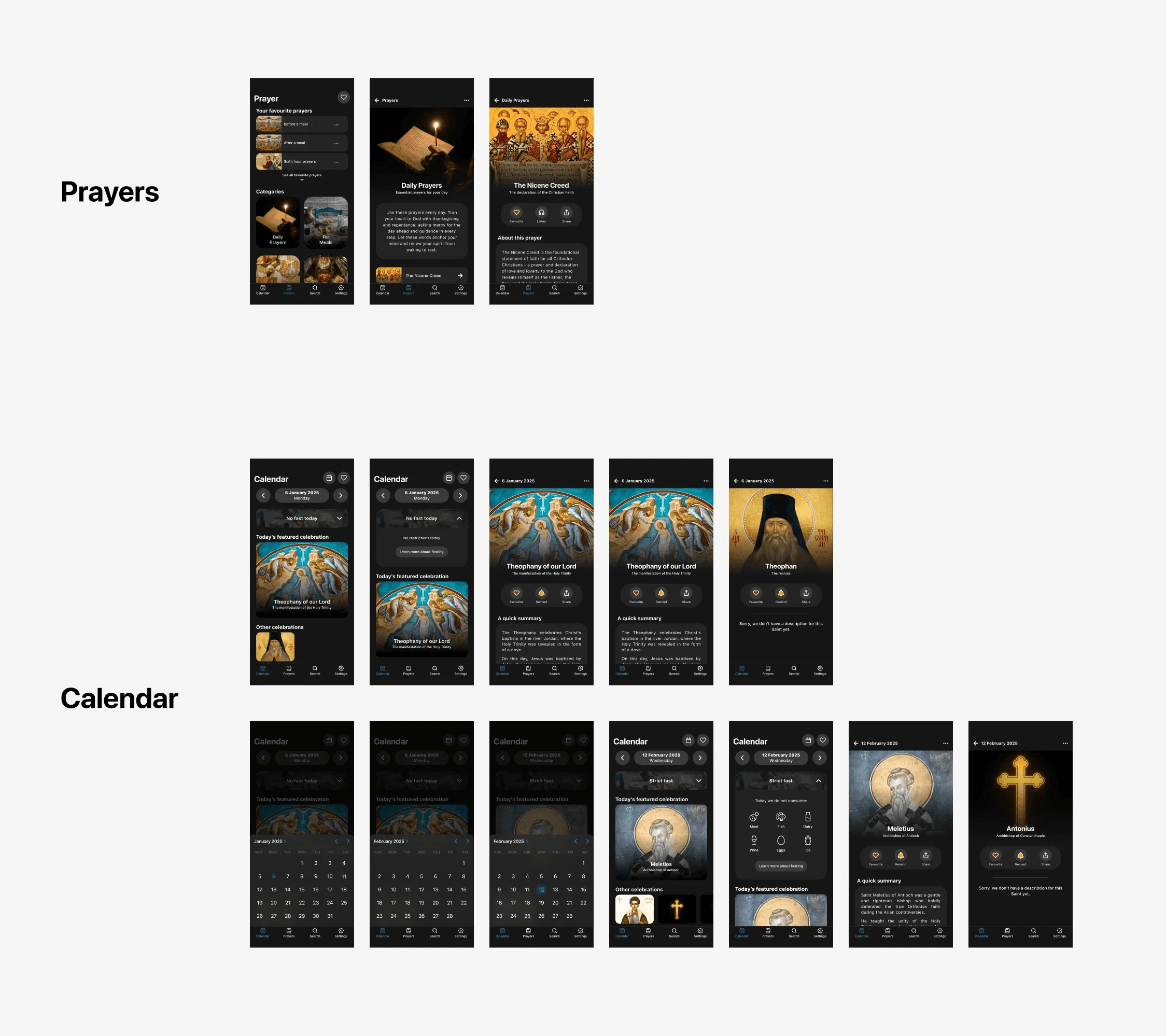
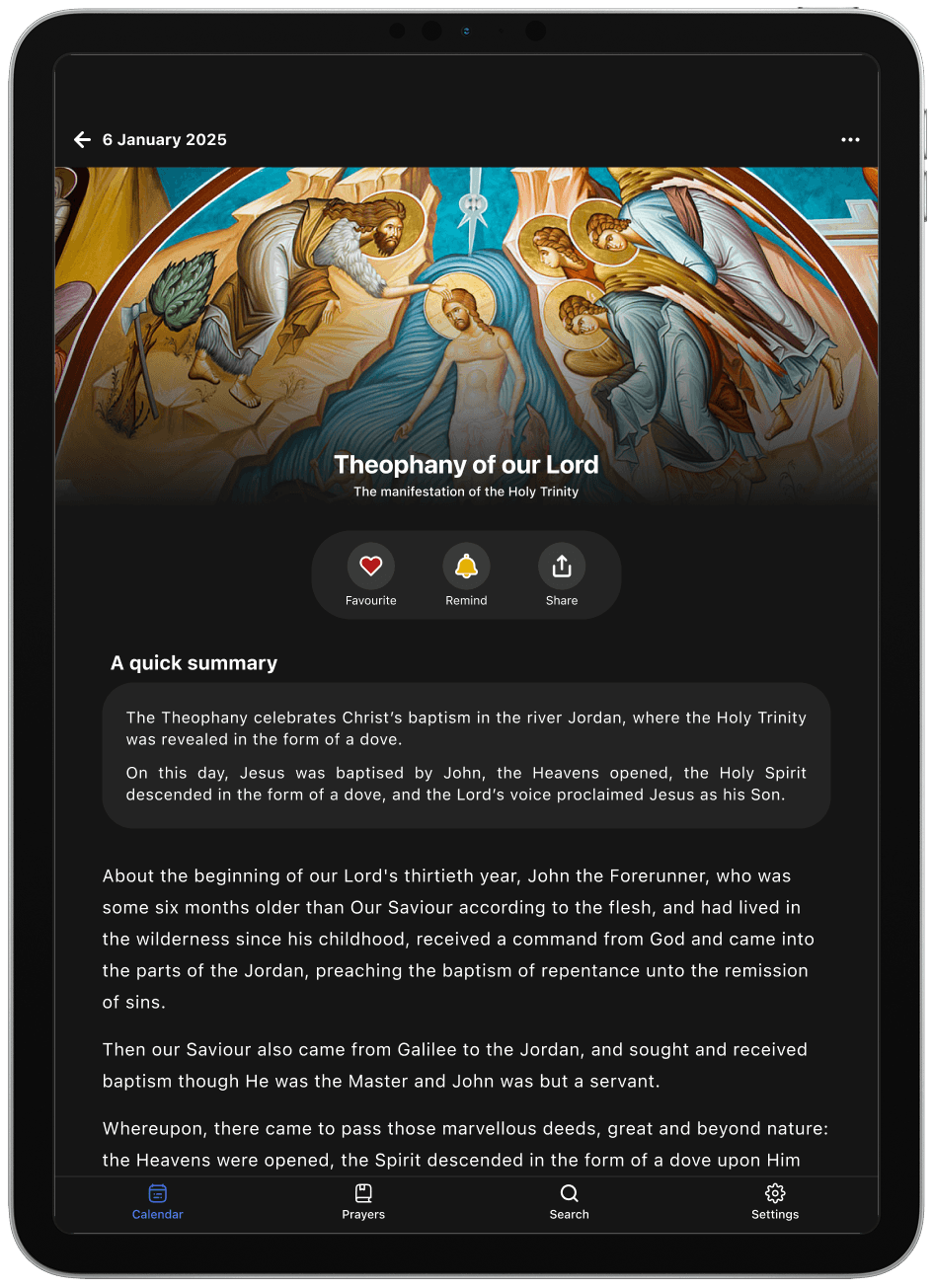
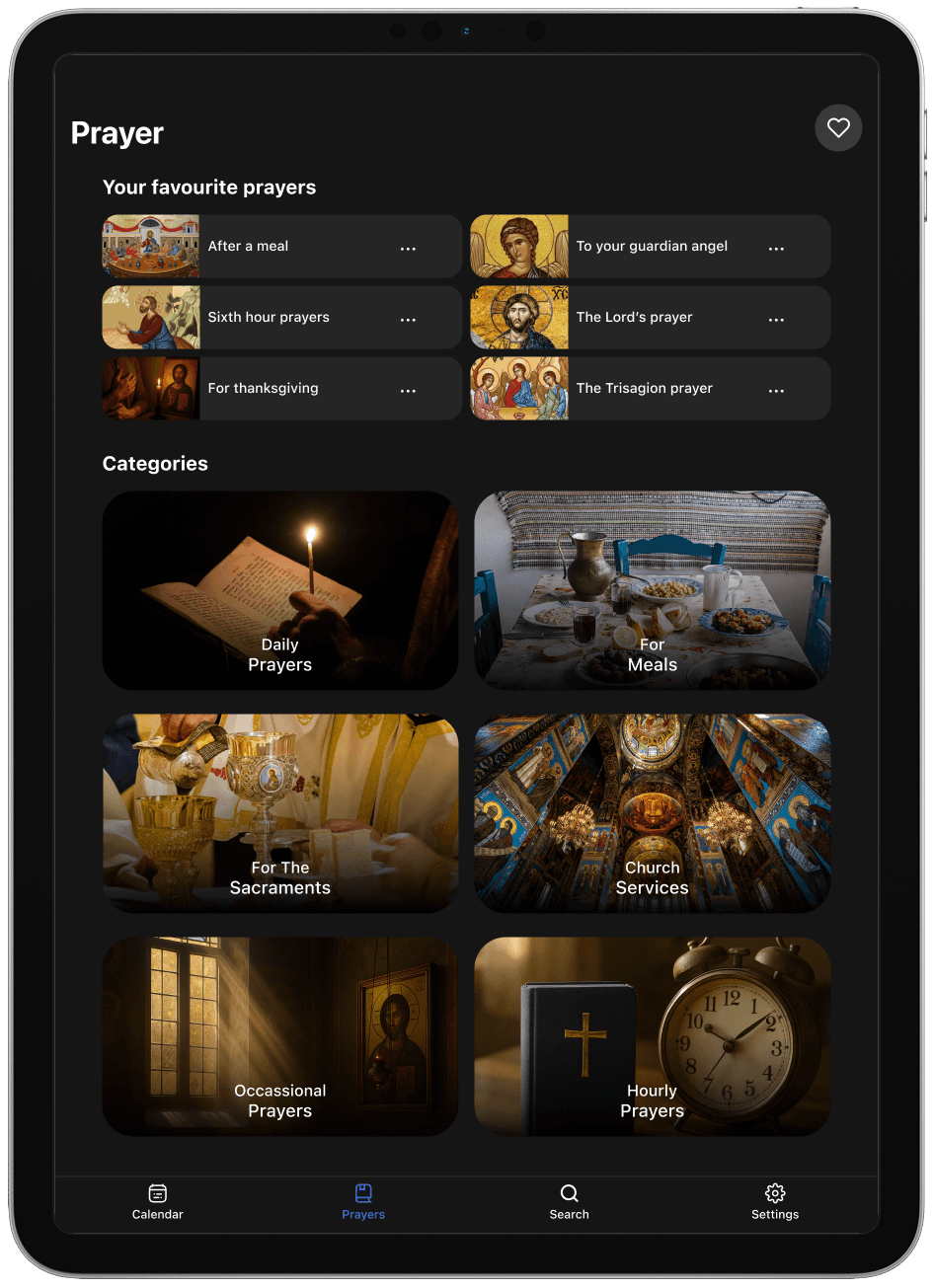
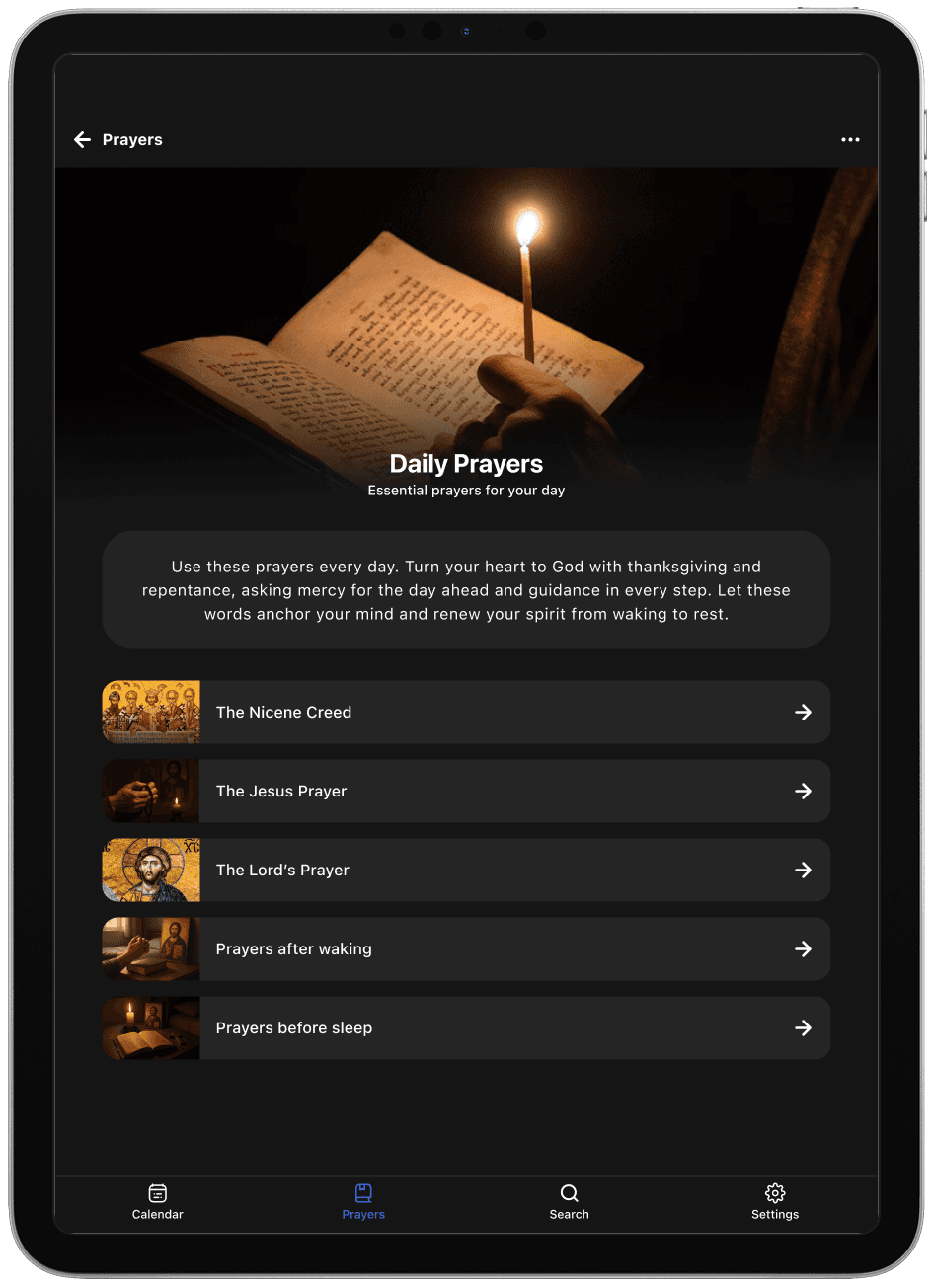
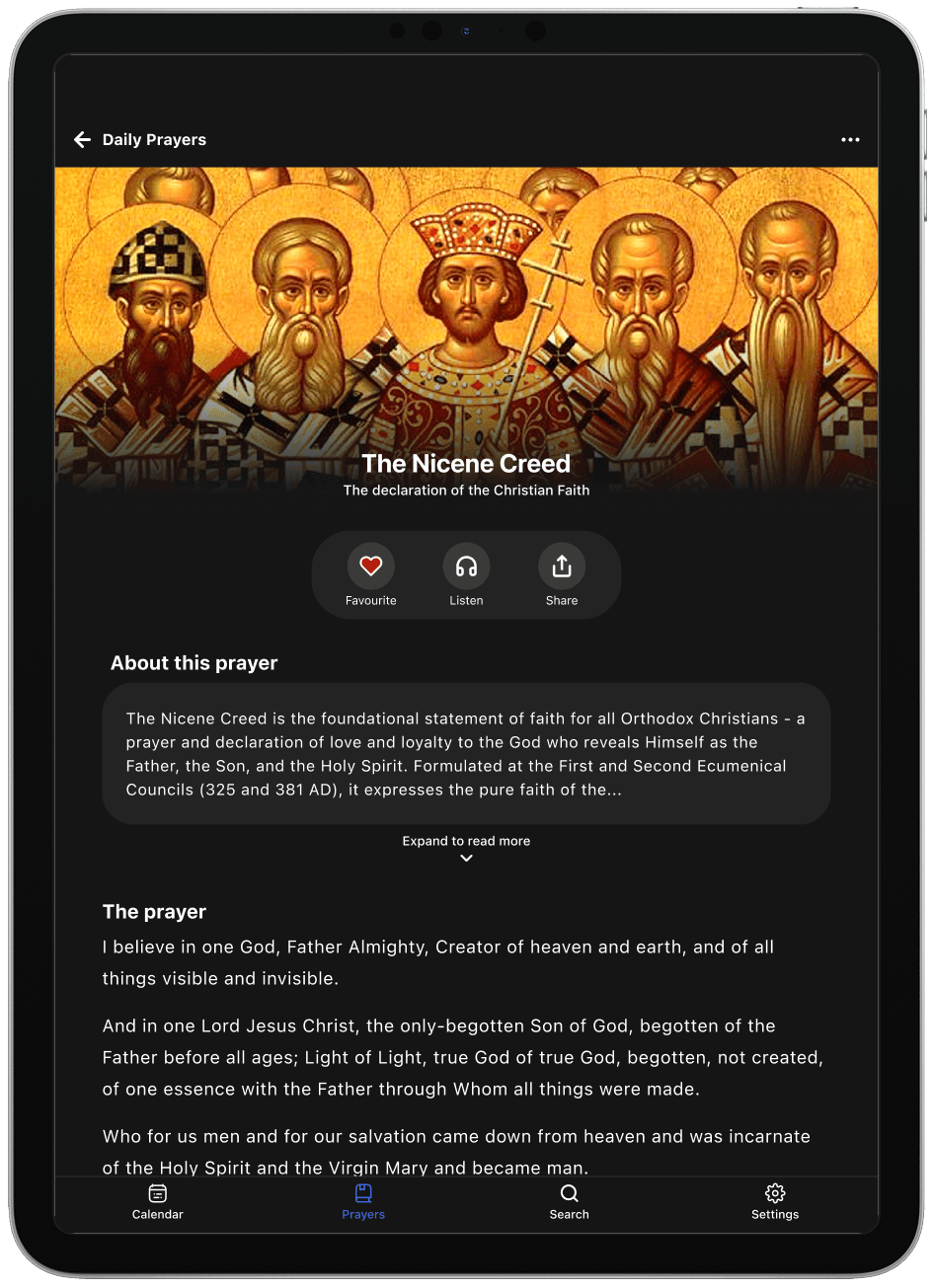
Once the layout was defined, I moved on to creating a high-fidelity prototype and refined the app's visual tone and interaction details. This introduced colour, rounded components, and subtle visual treatments to help support a calmer and more readable experience.
Once the layout was defined, I moved on to creating a high-fidelity prototype and refined the app's visual tone and interaction details. This introduced colour, rounded components, and subtle visual treatments to help support a calmer and more readable experience.
iPad
Designs
iPhone
Designs
Take a look below for some examples of how I fixed navigation, clarity, and accessibility:
Testing
With a high-fidelity prototype ready to go, I conducted usability testing to evaluate whether my designs supported key tasks such as finding daily readings, accessing prayers, and understanding fasting information.
Here's an overview of the testing I conducted:

Testing method
Moderated in person testing
Figma prototype

Devices
iPhone and iPad

Participants
3 Greek Orthodox Christians
1 devout user, 2 casual users
Tasks completed
Find the celebrations of the day.
Find the fasting requirements of the day.
Find a specific church service.
Find a specific prayer.
Find which readings are available for the day.
Find the celebrations and fasting requirements for a specific date.
And here’s what I found:

What was working well
Usability testing showed that participants were able to complete all core tasks without encountering the navigation, clarity, and layout issues observed in the original app.
The absence of these issues during testing made me confident that I had effectively addressed the key problems relating to navigation, content clarity, and overall accessibility across iPhone and iPad.

Opportunities for improvement
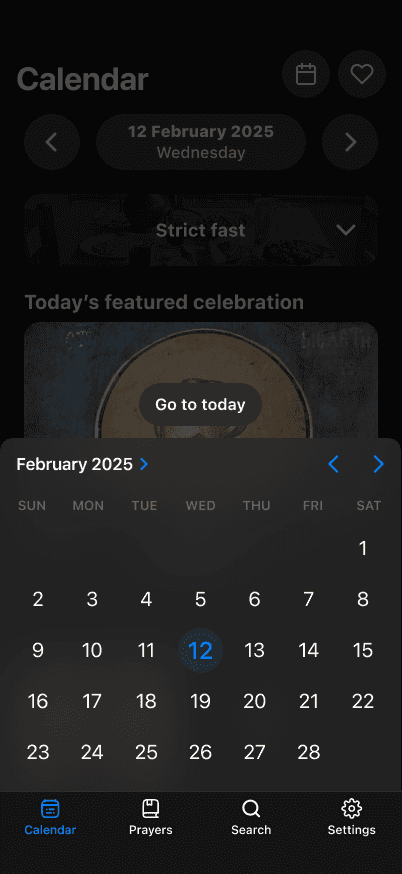

The ‘Go to today’ button
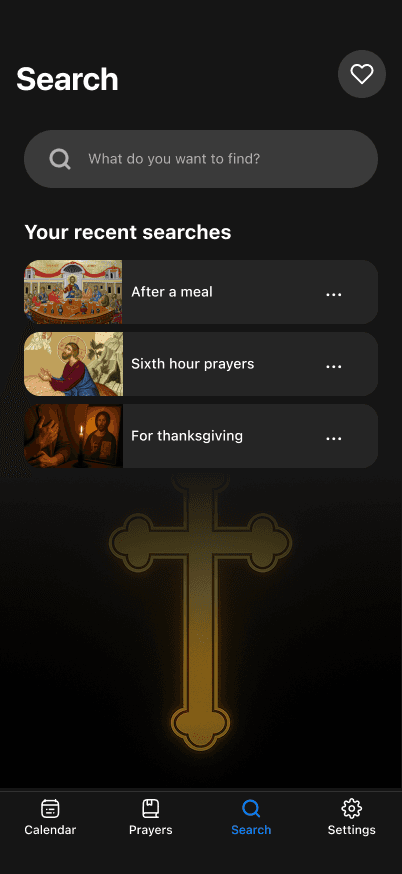
The dedicated search page
IN SHORT
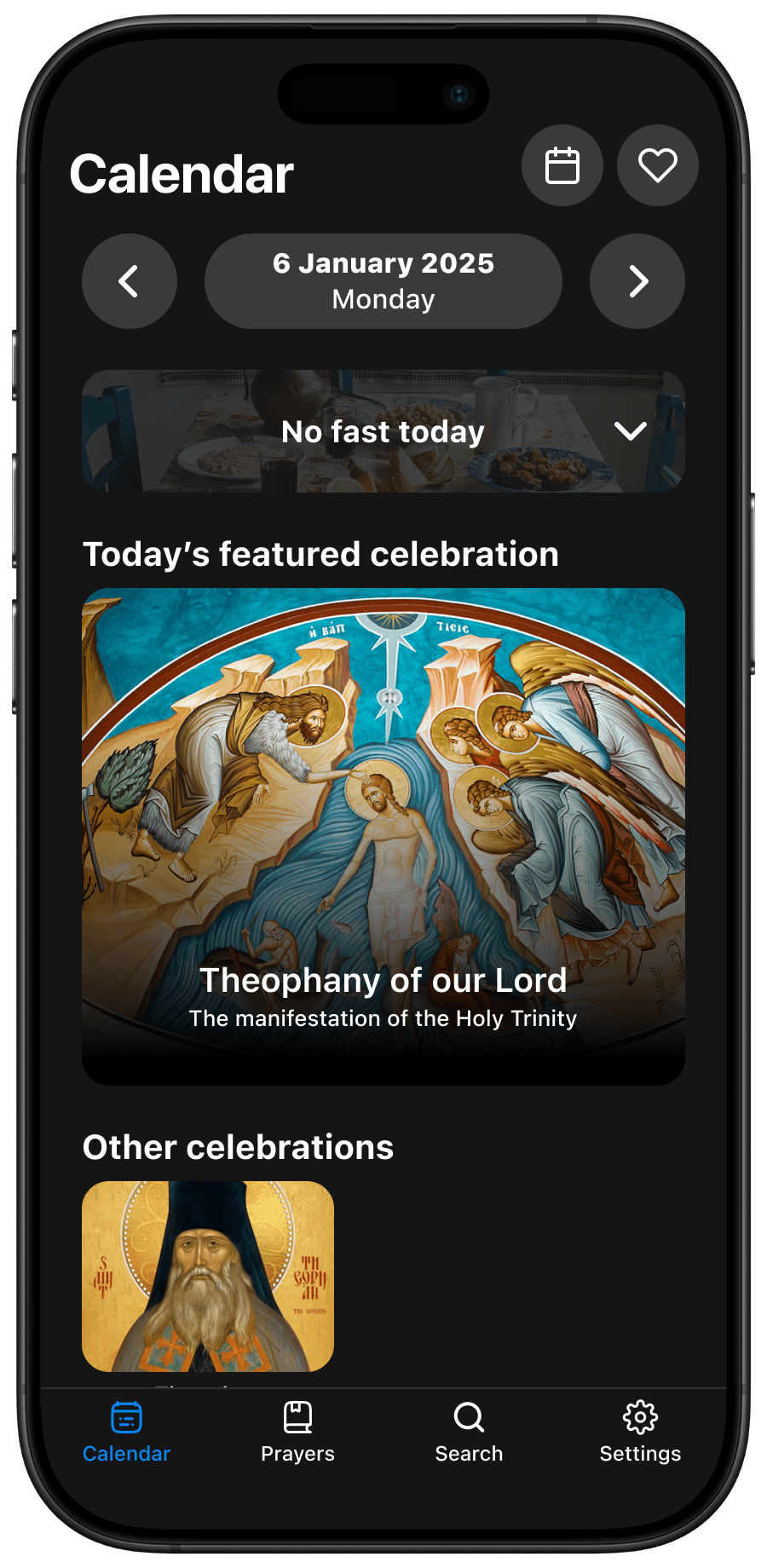
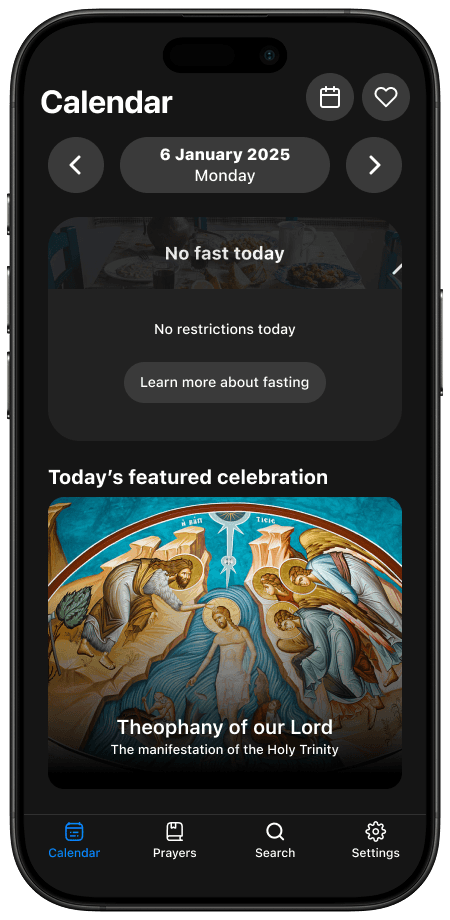
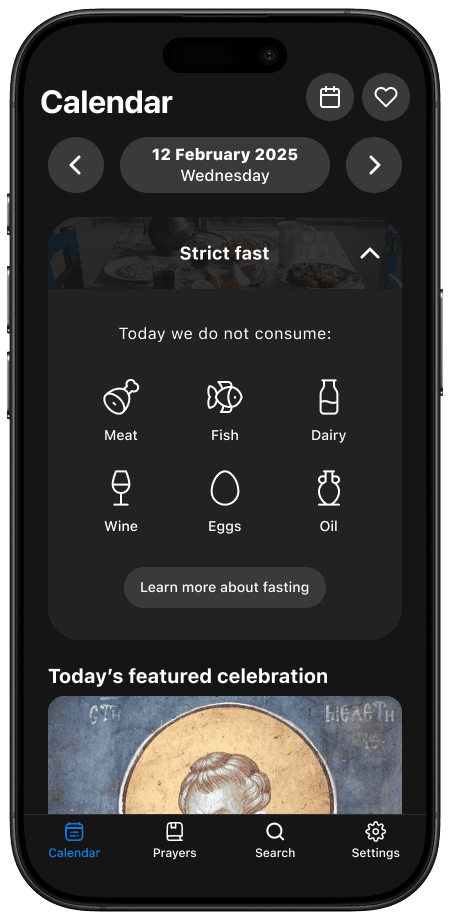
With the new navigation, clarity, and design validated through testing, I finalised the Daily Readings experience.
Daily Readings
Redesigned
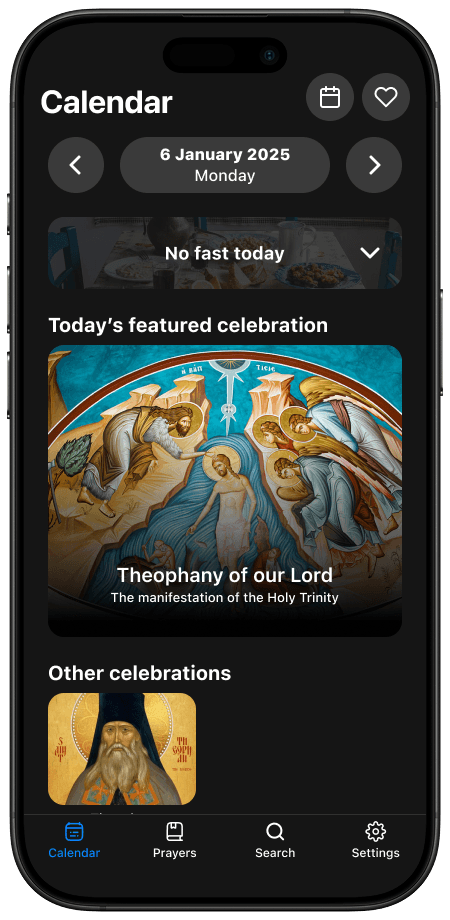
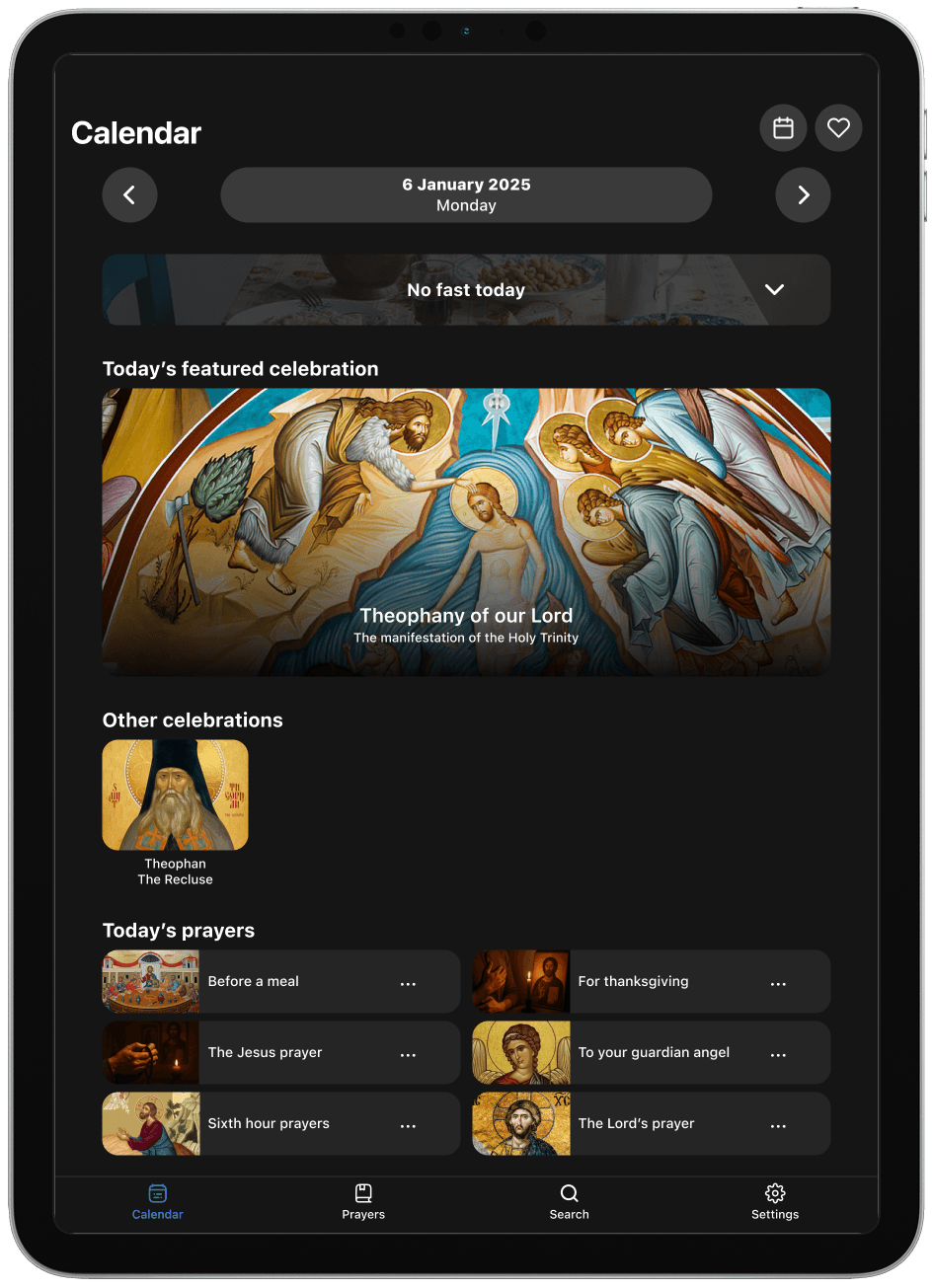
For iPhone and iPad
Outcomes and reflection
Final Grade
I really enjoyed putting this project together. Being a university assessment, I received a HD (88.5%) with positive feedback from my course coordinator.
What did I learn?

The importance of prioritisation
This really stood out to me during this project. While the original Daily Readings app offered many valuable features, I needed to be realistic about what I could address within the assessment’s constraints.
By narrowing the scope to core user features (Calendar, Fasting Information, and Prayers) I was able to create a cohesive experience without unnecessary complexity.
Practicing my research skills
This was also a great opportunity to practice my research skills across user interviews, data analysis, and the synthesis of findings.
I also experimented with tools like Dovetail and ChatGPT to help cluster insights and identify themes. These were great to help me work more efficiently and identify patterns that I may have otherwise missed - I'm definitely keen to experiment more with them in the future!
What would I do differently?
Device form factor optimisation
I would explore the different form factors of the app and how they could be better optimised.
For example, the redesigned iPad and iPhone versions are very similar - great for consistency across devices, but it may be wasting the opportunity to design for their specific use contexts.
I would conduct a bit more research into how the experience on iPhone and iPad (and potentially other form factors too) could be improved.

Refine button states & micro‑interactions
Another area I would refine is the micro‑interaction layer, including button states and icon behaviour.
While the prototype demonstrates accurate screen‑to‑screen transitions, many tap targets currently lack pressed or animated states, which is a missed opportunity to improve feedback and perceived responsiveness.
Adding these would help the app feel more 'alive' and add an extra layer of polish which may elevate the user experience.