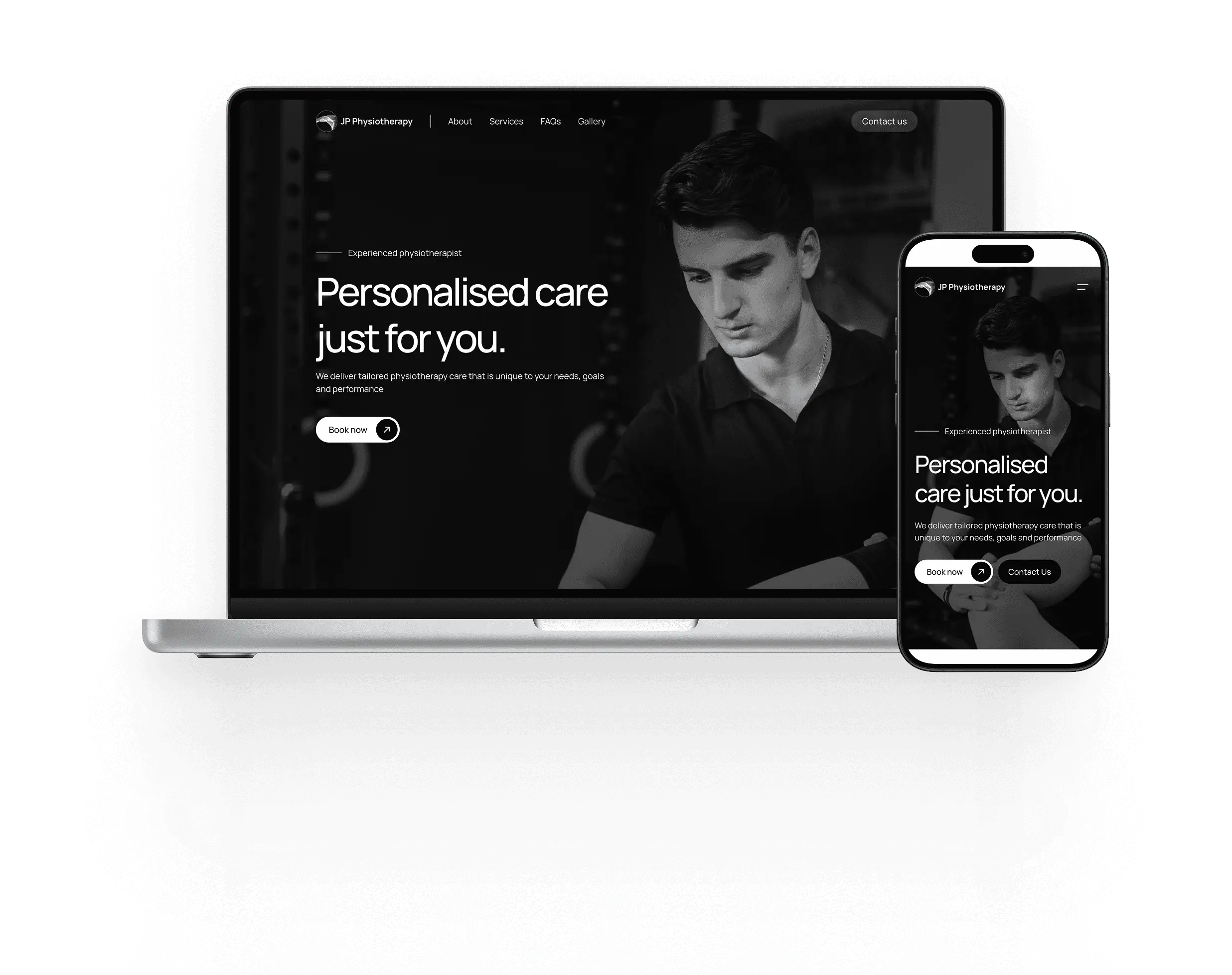
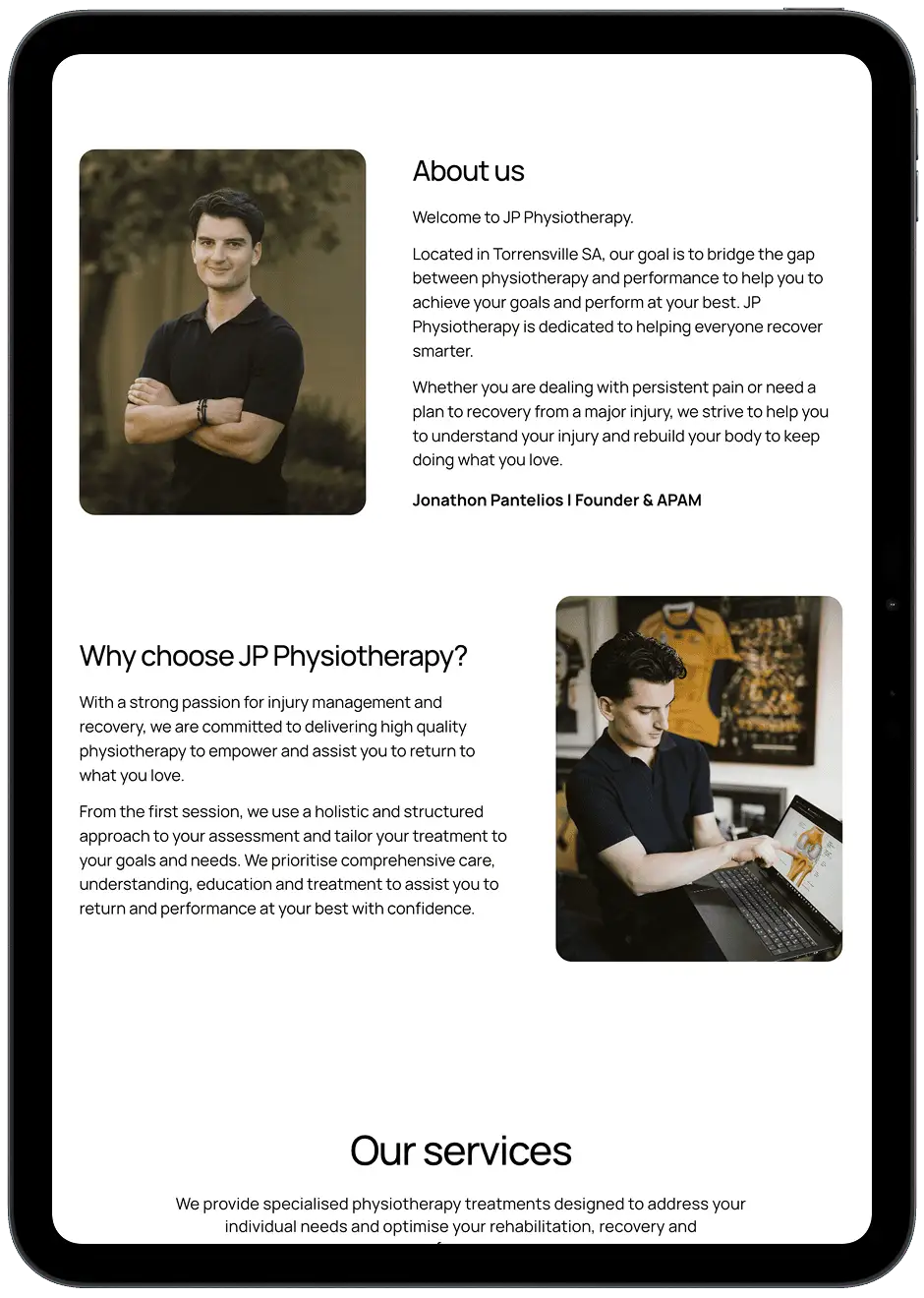
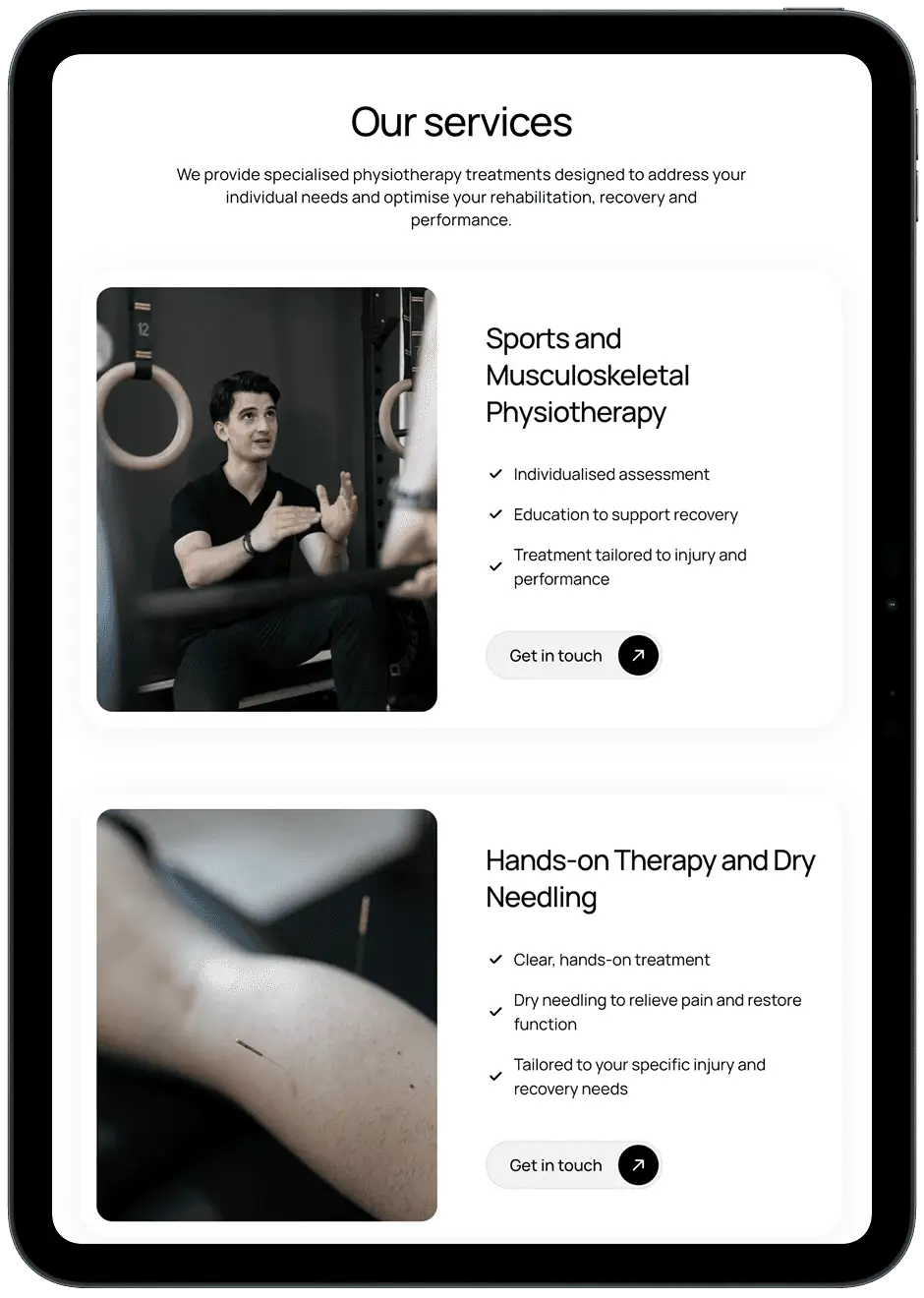
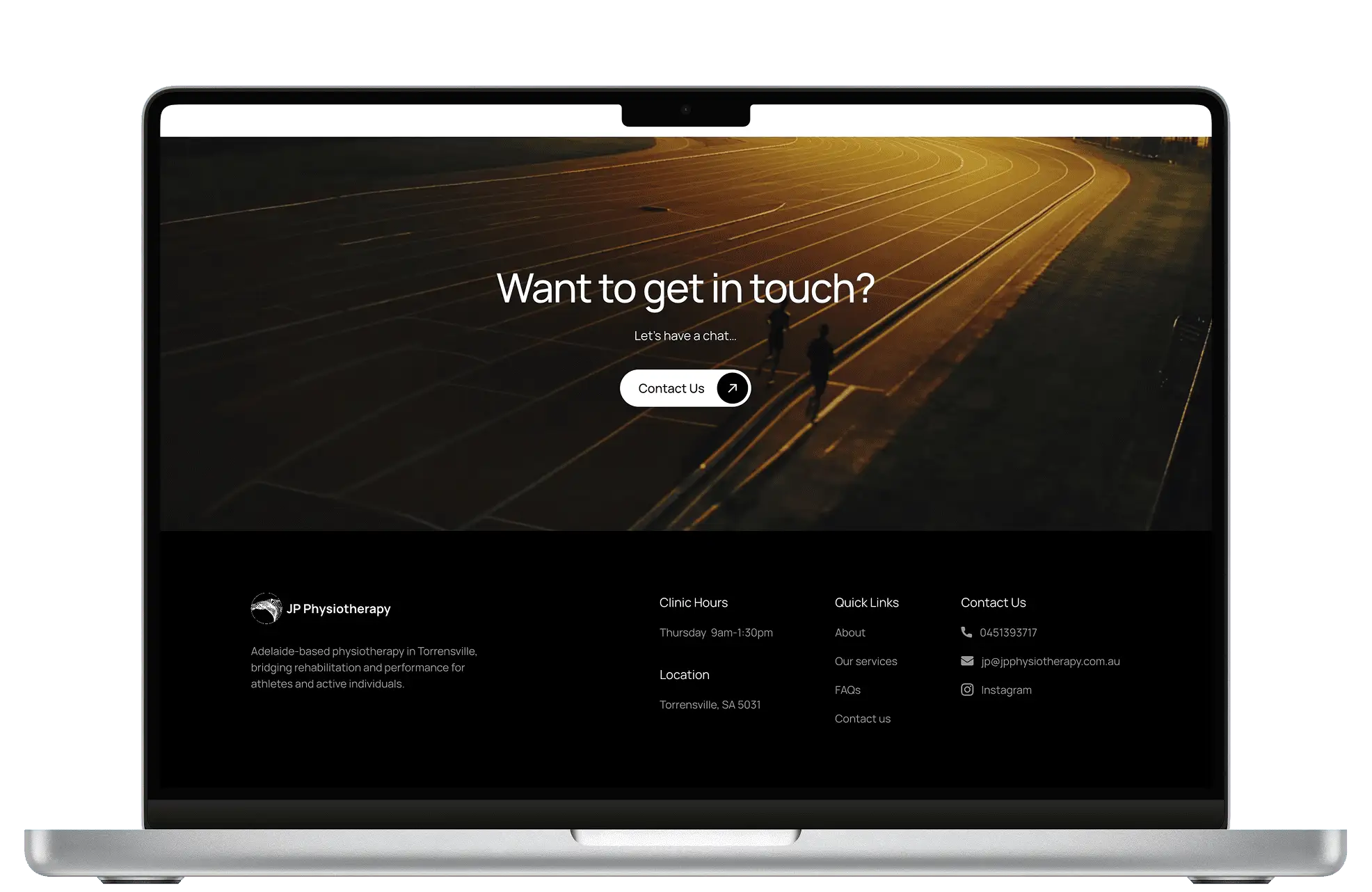
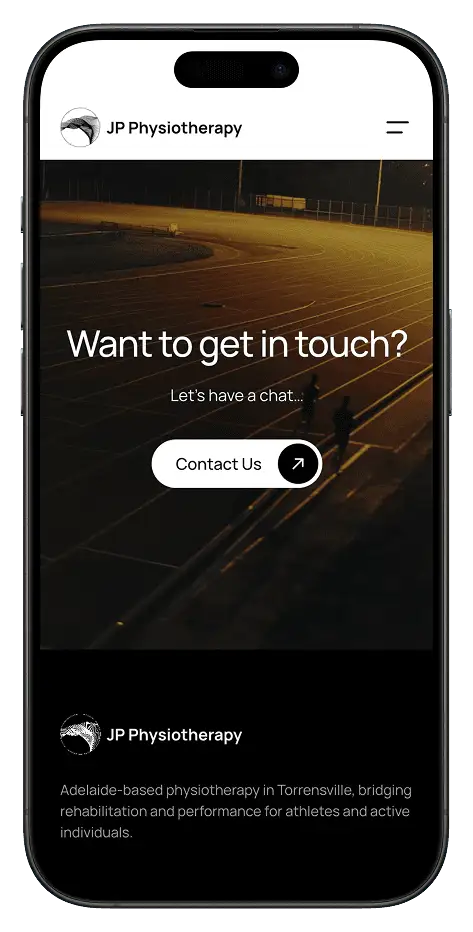
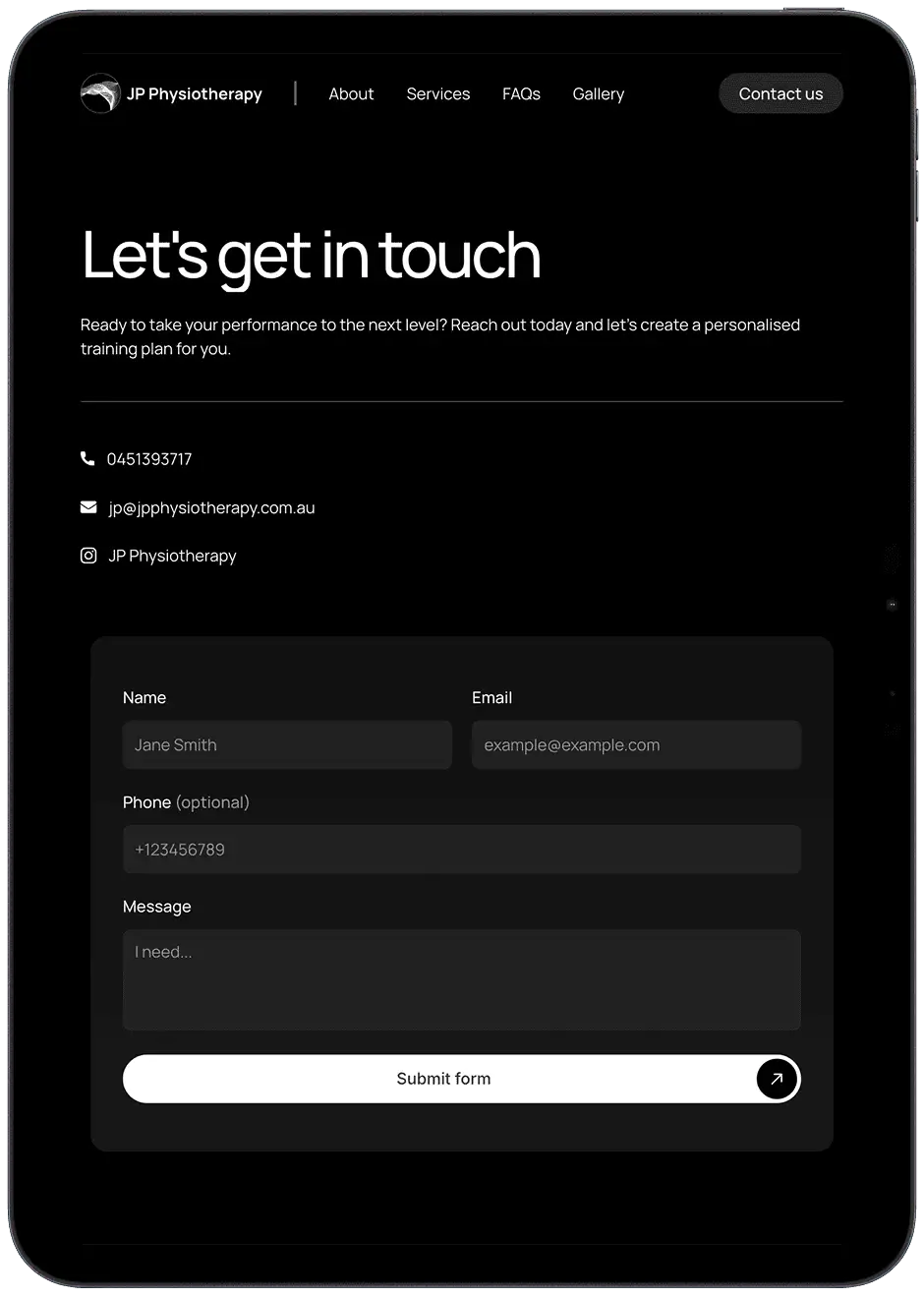
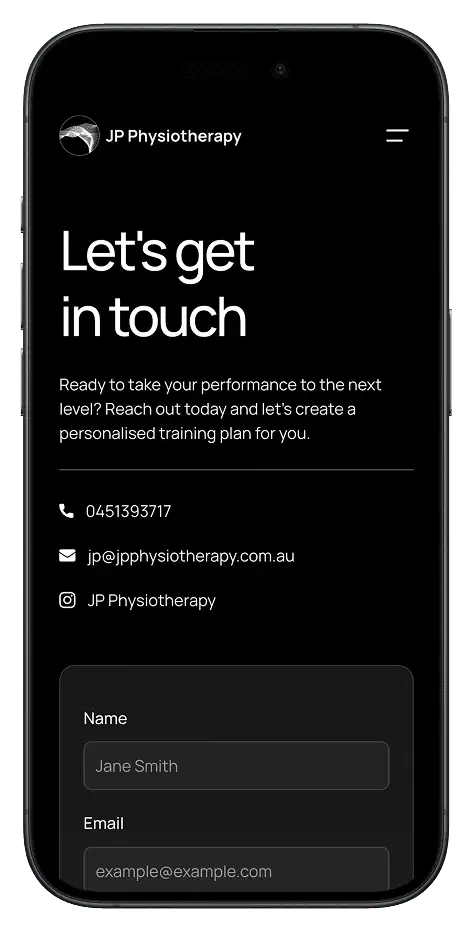
Jono is a local physiotherapist who was looking to grow his brand presence online and attract new clients. When he came to me, he had a logo, an Instagram page, and a linktree pointing to his booking site - but no website of his own. I designed and built him one in Framer.
Responsibilities
Web design
Client communication
Framer development
Platform
Desktop
Tablet
Mobile
Timeframe
1 month (2026)
Tools
Framer
Figma
The brief
Jono wanted a clean, professional website that reflected his brand and made it easy for clients to book an appointment.
The goal was simple:
"Take what Jono already had, and give it a professional home online"
What was needed
After chatting with Jono about what he was looking for, I made a deliberate call to skip formal user research. The core requirements for a local health services website are well established, so we focused on getting something live quickly. Looking at local competitors and their websites, we decided that his would need:
Easy booking
Clients need a quick, frictionless way to book an appointment directly from the site
Easy contact
Jono needs a clear way for people to get in touch with any questions before committing to a booking
A clear introduction
Site visitors need to quickly understand who Jono is and why they should trust him with their care
Services on offer
Site visitors need a clear overview of the treatments and services available to them
The Figma prototype
My initial plan was to design the site in Figma and publish it using Figma Sites.
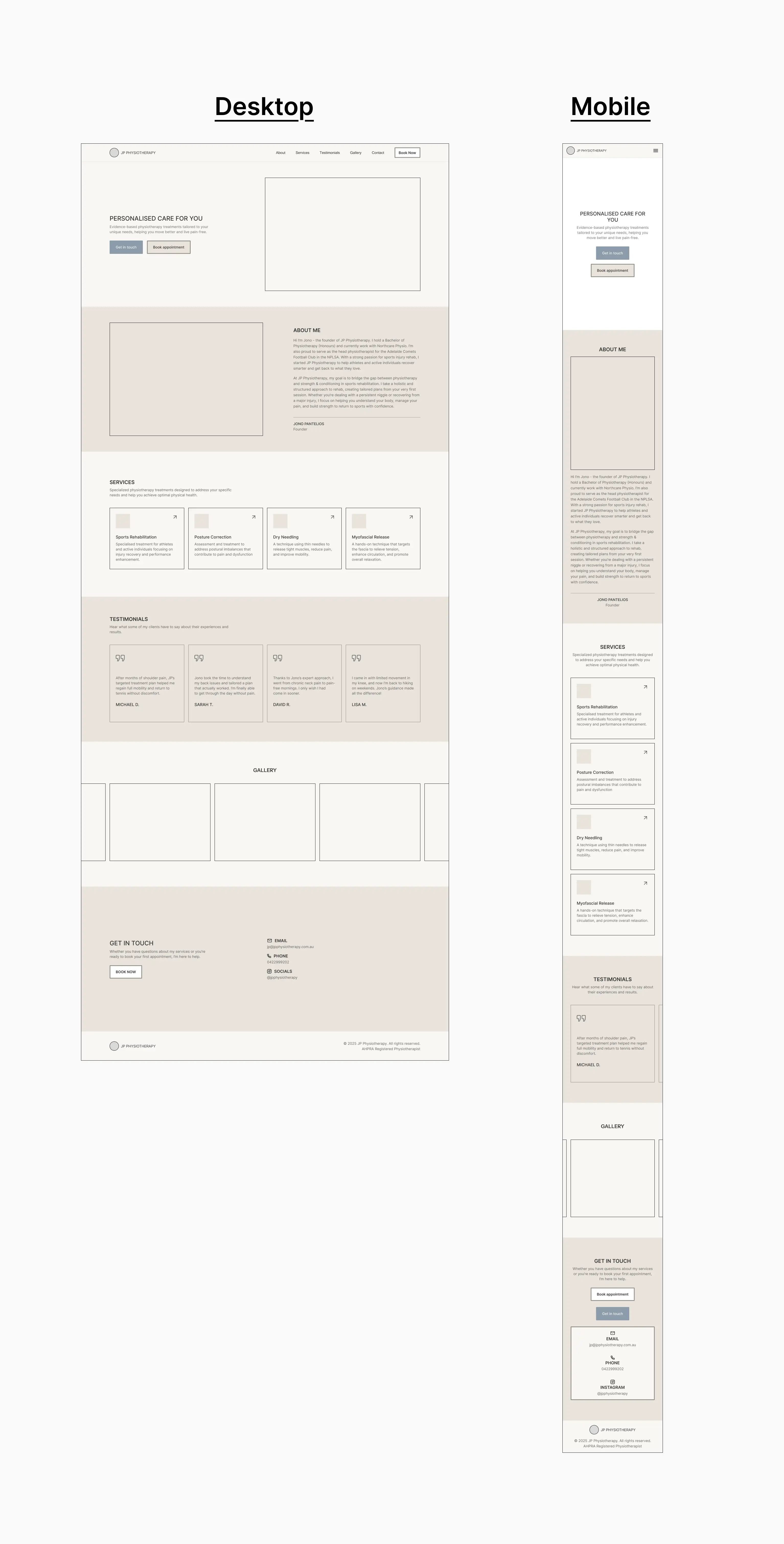
So with this in mind and the requirements defined, I used Figma to put together a prototype. It was basic but offered a glimpse at the potential layout, structure, and content that the site would contain.
Choosing the right tool
After designing the prototype and looking into Figma Sites a bit more, I had some reservations about its maturity as a publishing platform at the time.
That's when I came across Framer - a well renowned platform for designing websites, similar to Figma, but with a more polished publishing experience and a great library of templates to work from.
Using Framer to not only design but build Jono’s website would significantly raise the quality of the final product. Its templates come with built-in interactions and responsive layouts out of the box - things I would have had to design from scratch in Figma. Combined with a mature hosting pipeline, this meant the site could feel polished and professional without needing custom code and extra tinkering.
Figma
vs
Framer
Ultimately it would cost Jono a a little more, but after seeing what was possible, he was happy with the trade off. Framer was the right tool for the job.
The design
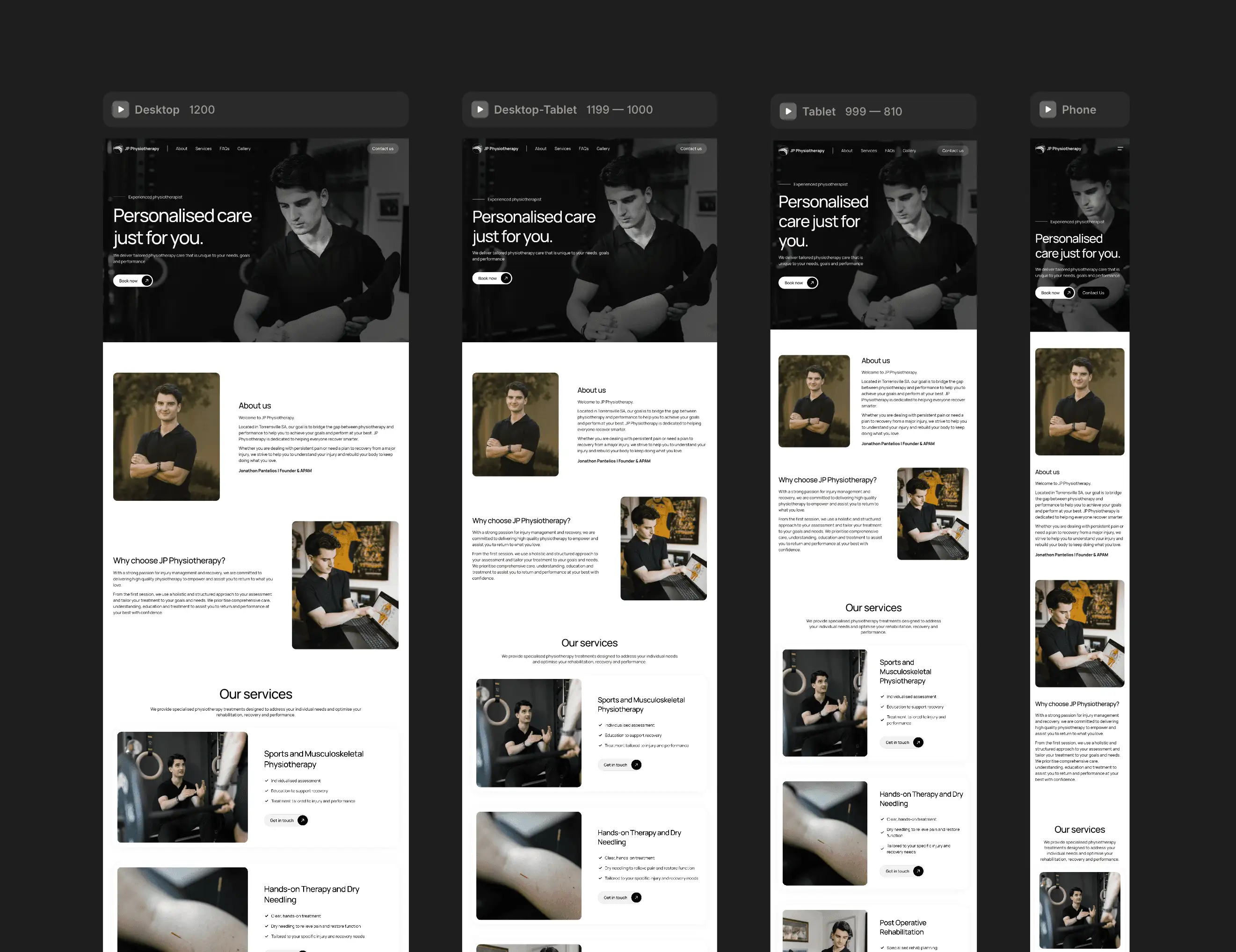
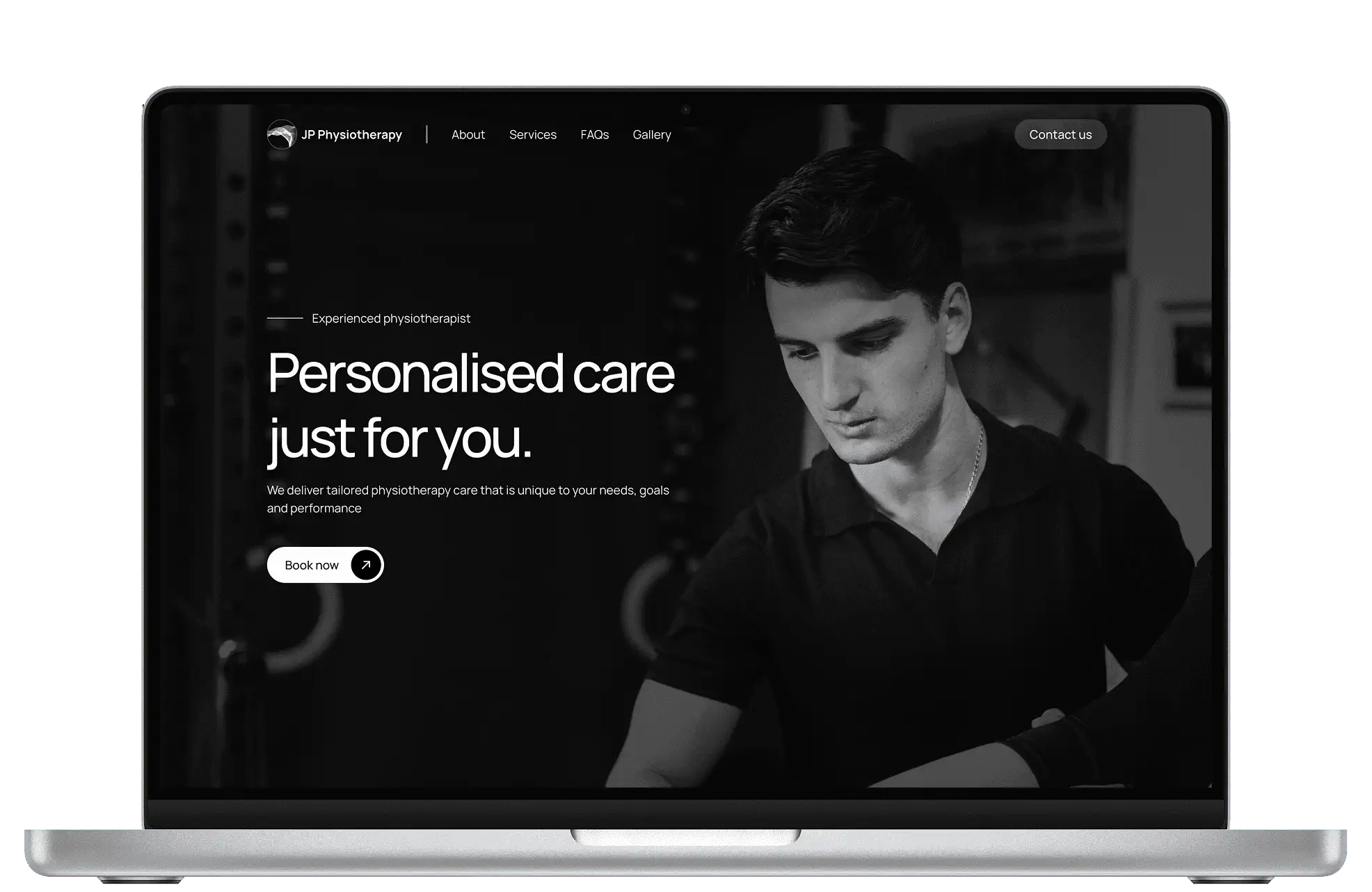
Once we had decided to go with Framer, I built out a draft of the website using a template as a starting point - adapting it to suit his brand and content. The result looked quite different from the initial wireframes designed in Figma, however Jono was happy with this new design direction.
The site came together across six sections, each designed to address the core needs of the website:
Hero section
About
Our Services
FAQs
Gallery
Contact page
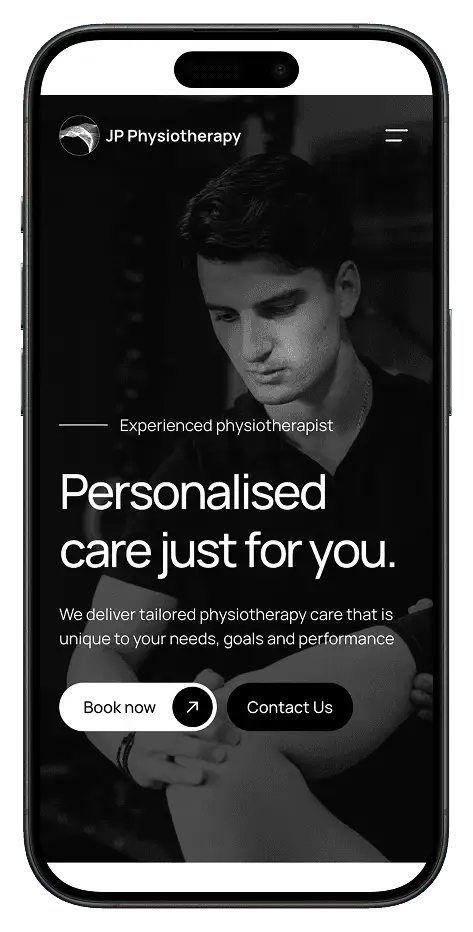
We had also identified the need for the website to be 'mobile first', as we found that most visitors would be reaching the website via their phone. This worked out great, since the Framer template we were using already had the 'mobile' version of the site well optimised.
IN SHORT
After iterating on the template and finalising the layout and content, it was time to take the website live.
Jono was extremely happy with the finished site. It gave his brand the professional presence it deserved and most importantly made it easy for clients to find his business and book a consultation. He's since mentioned that he'll be looking to scale up his business in the near future, and the website has provided him with the online presence to do just that.
What did I learn?
Working with a client is different to working on a brief/assignment
There's no set brief handed to you - I had to shape the direction together with the client. Learning to communicate ideas clearly, manage expectations, and keep the Jono confident throughout the process was just as important as the design work itself.
Sometimes plans change
I came in with a plan (Figma Sites) and changed course when I found something better (Framer). Being open to exploring options rather than committing too early led to a noticeably better outcome for the client.
Templates are a legitimate starting point
Using a Framer template let me focus on adapting it to Jono's brand, content, and audience - the things that actually matter. Not having to worry too much about setting up layouts and components made the design process way more efficient.
What would I do differently?
Use Framer from the beginning
In hindsight, it would have been best to start using Framer from the get go, if I had known about it earlier. Having to learn a new (although familiar) did take up time, but I would say it was well worth it based on the outcome.
To wrap up, this project was my first experience of working with a real client, teaching me not only about design, but communication & adaptability too. Pivoting tools mid-project, learning Framer on the fly, and collaborating directly with Jono to shape the direction all pushed me to grow beyond just pushing pixels. Ultimately, it gave me a much stronger foundation in end-to-end web design, from gathering requirements through to publishing a live site.